Simplifying Government Procurement Experience

Making it easier for users to procure services across government.

Client

Department of Government Services

Services

UX Research Project Management Data Analysis UI Design Prototyping User Testing

My Role

Lead UX Designer

Date

January2025
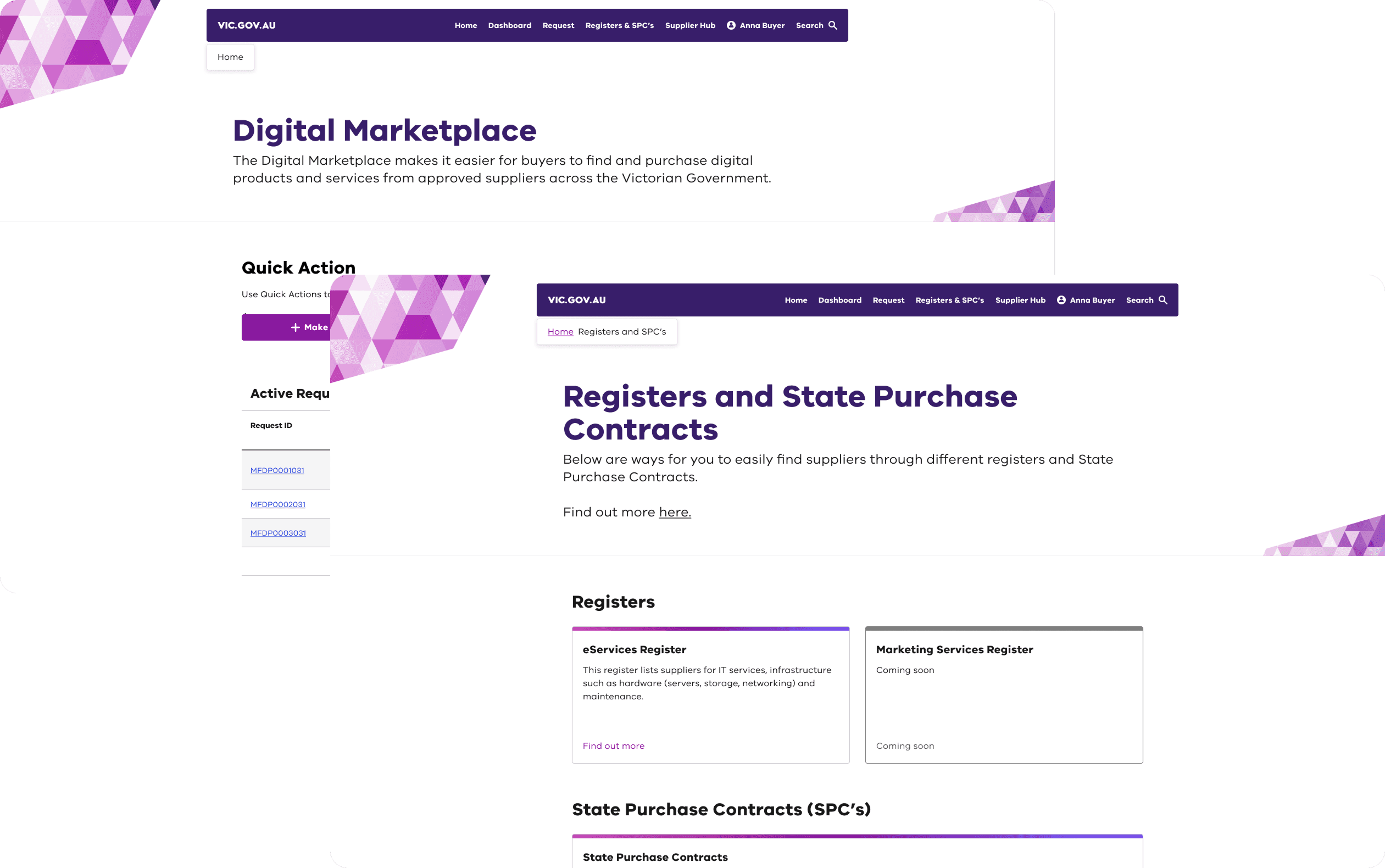
Dashboard Sidebar Close Up

04 - WORKFLOW DESIGN

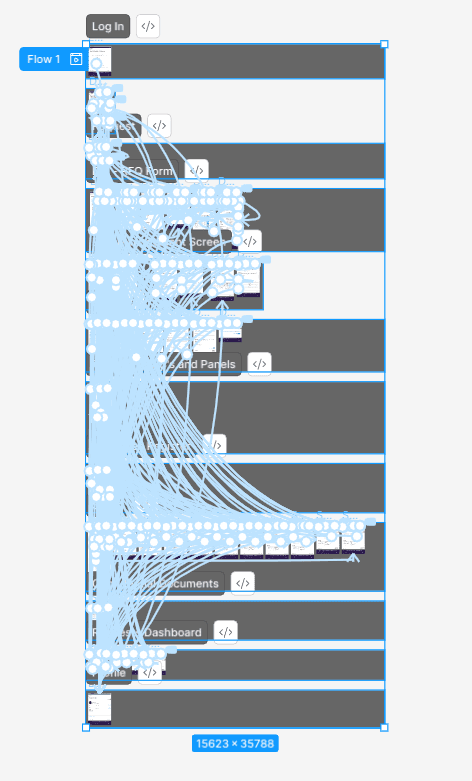
Designing the automation loop end-to-end

The core design challenge was mapping and then encoding the full task lifecycle as an automated workflow — replacing every manual handoff with a designed interaction. Each stage of the loop needed to feel effortless for the person at that node, while reliably passing structured data to the next.

My Role

As the lead UX designer, I was responsible for shaping both the process and the product. I devised a research plan to ensure we gathered meaningful insights directly from users. I led the design process in iterative cycles, rapidly prototyping, testing, and refining based on feedback.


Working closely with developers, I made sure the designs were feasible and aligned with technical constraints. I managed regular check-ins with stakeholders to keep them engaged and secure approval at key stages. Throughout the project, I prioritised accessibility, ensuring our solutions were usable for everyone.

My role balanced user advocacy, cross-functional collaboration, and practical delivery.

Design Process

My approach was structured but flexible, focused on real user needs and cross-team momentum
This process kept us grounded, collaborative, and always moving toward a solution that works for real people.
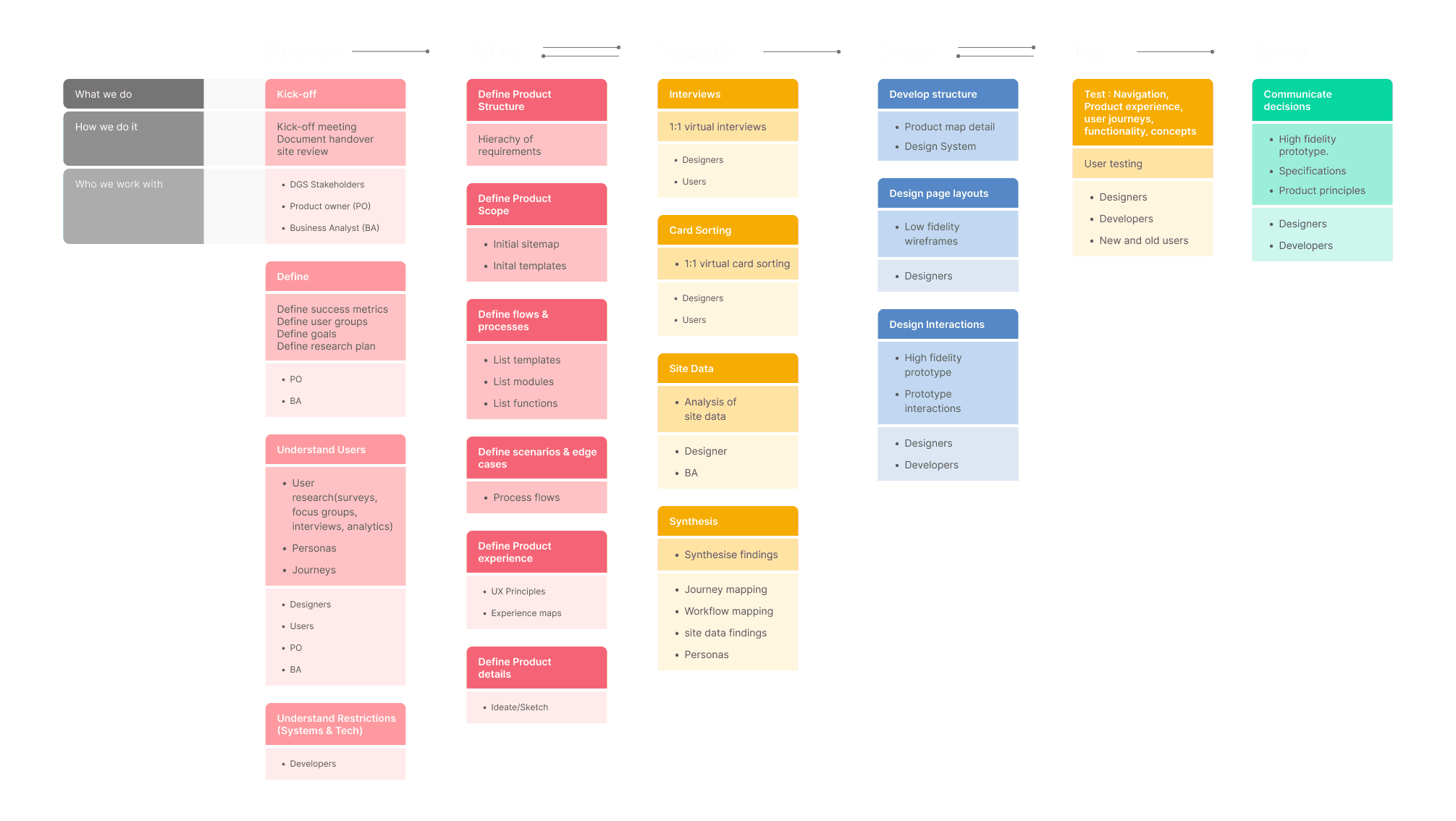
Research

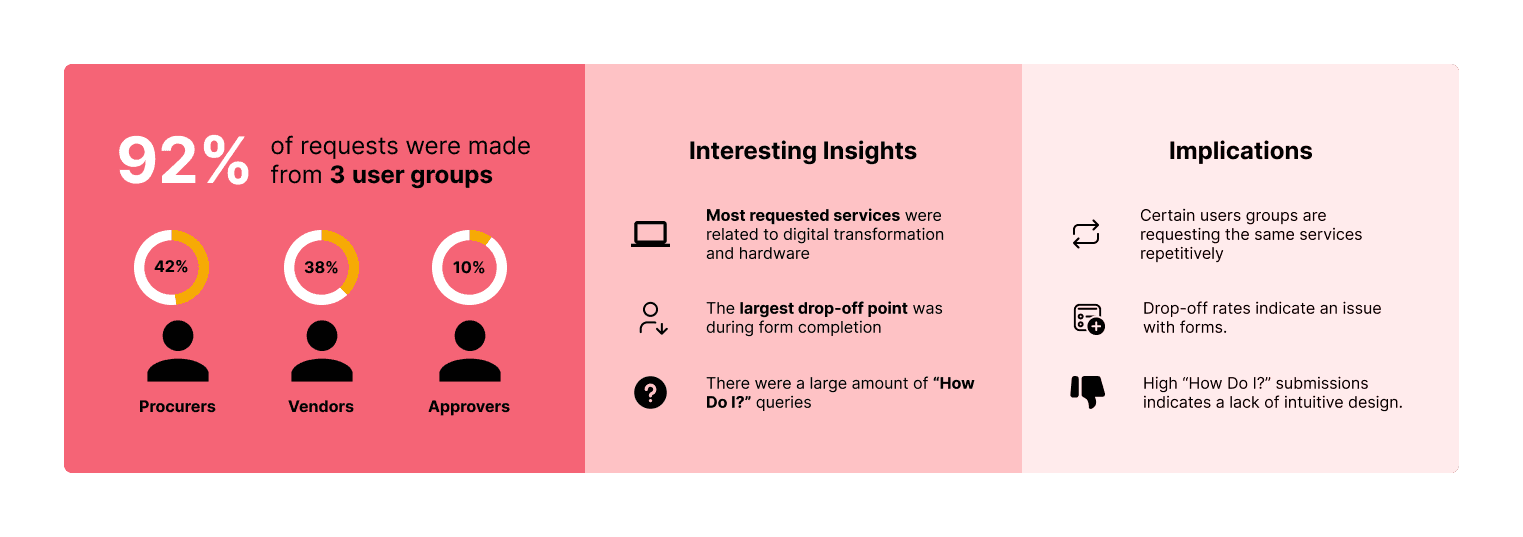
To better understand the current experience of users interacting with the government procurement portal, I conducted site data review and qualitative interviews with three key user groups: government procurers, suppliers, and approvers. i

Site Data
Interviews

I also conducted primary research through interviews with 7 participants who actively procured for different government departments. To synthesize my findings, I took inspiration from the Rose, Bud, Thorn method of Design Thinking to identify what’s working, what’s not, and areas of opportunity.
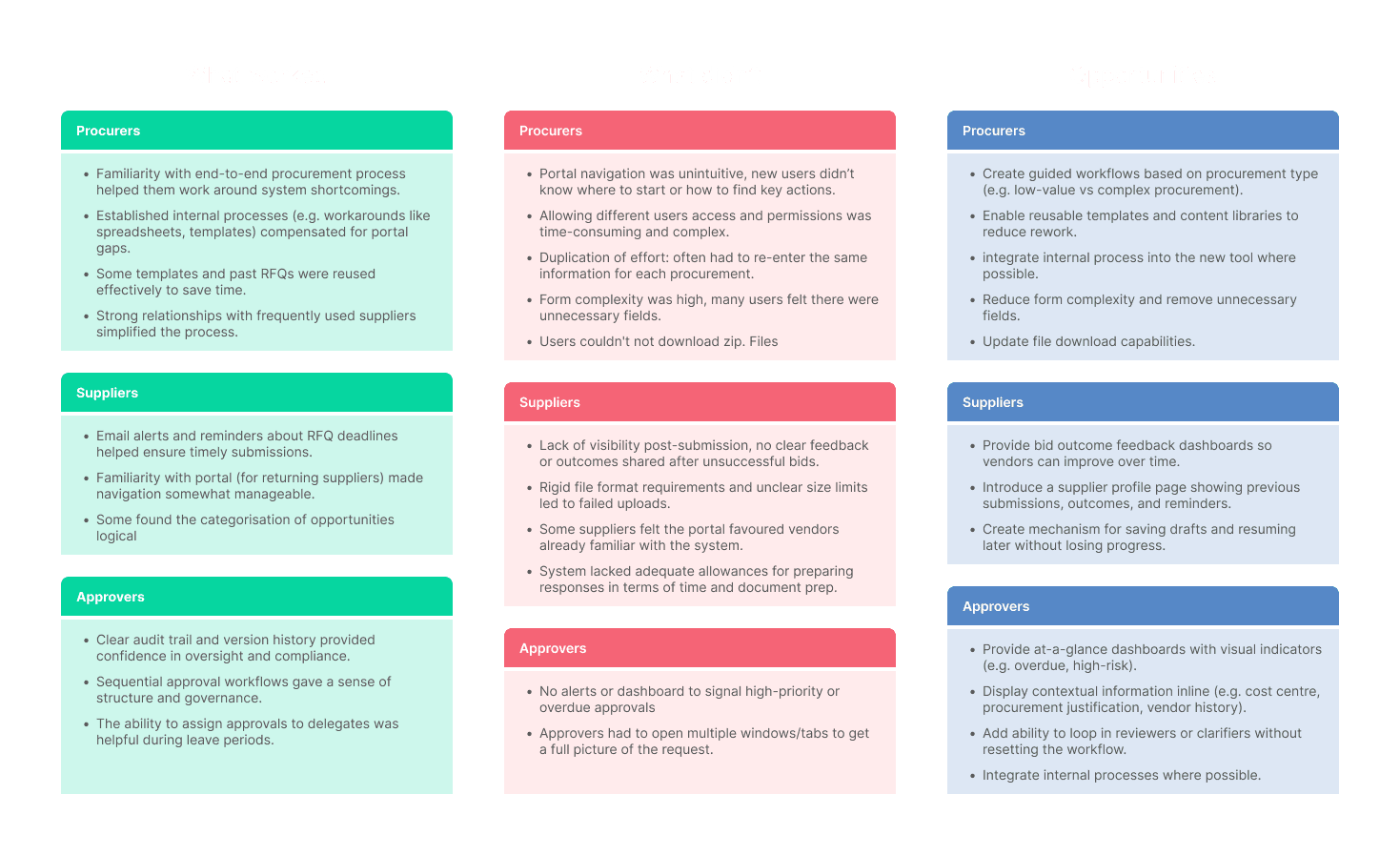
Key Research Findings

I summarised my findings into three main categories I would carry forward into my designs

  1. Clarity and Guidance

Users across all roles struggled with confusing navigation, unclear terminology, and lack of in-context support.


Principle: Design for clarity at every step. Use plain language, guided workflows, and contextual help to ensure users understand what to do, where to go, and what’s expected of them.

  1. Efficiency and Reusability

Procurers and suppliers often duplicated effort, re-entered data, or manually recreated templates and RFQs.


Principle: Reduce friction and repetition. Introduce time-saving features like reusable templates, smart defaults, and saved drafts to make routine tasks faster and easier.

  1. Visibility and Feedback

Users lacked visibility into process status, task urgency, or outcomes—leading to uncertainty and delays.


Principle: Surface progress and close feedback loops. Use dashboards, real-time updates, and submission outcomes to keep users informed and confident in their actions.

Design

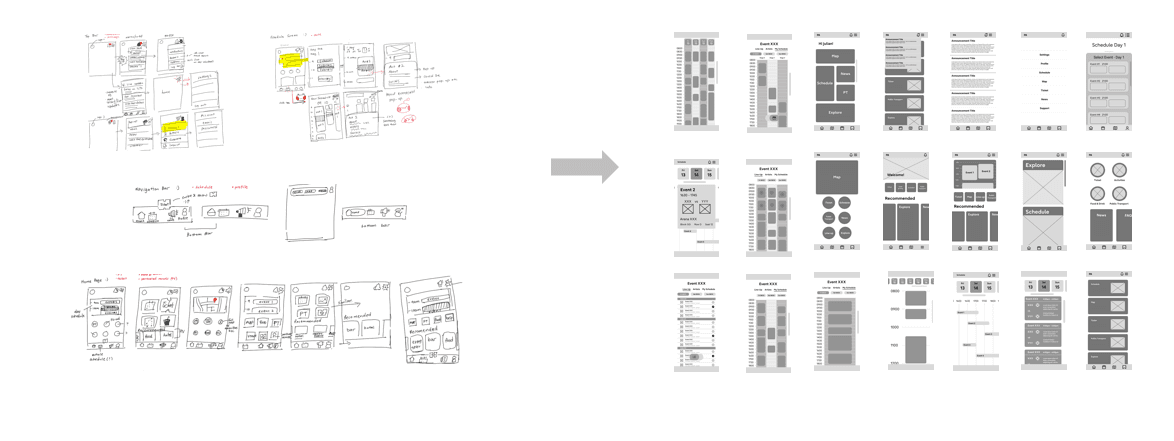
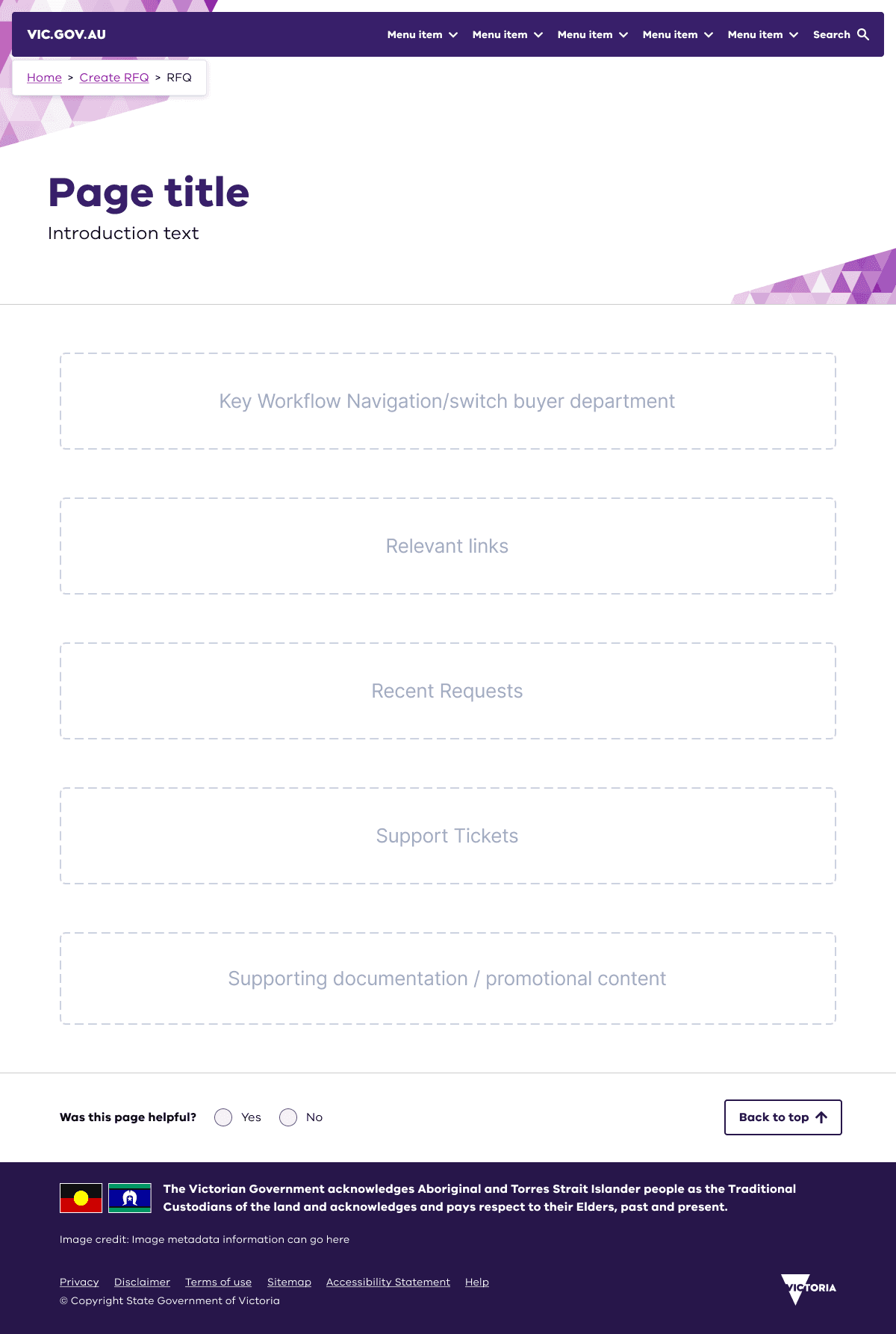
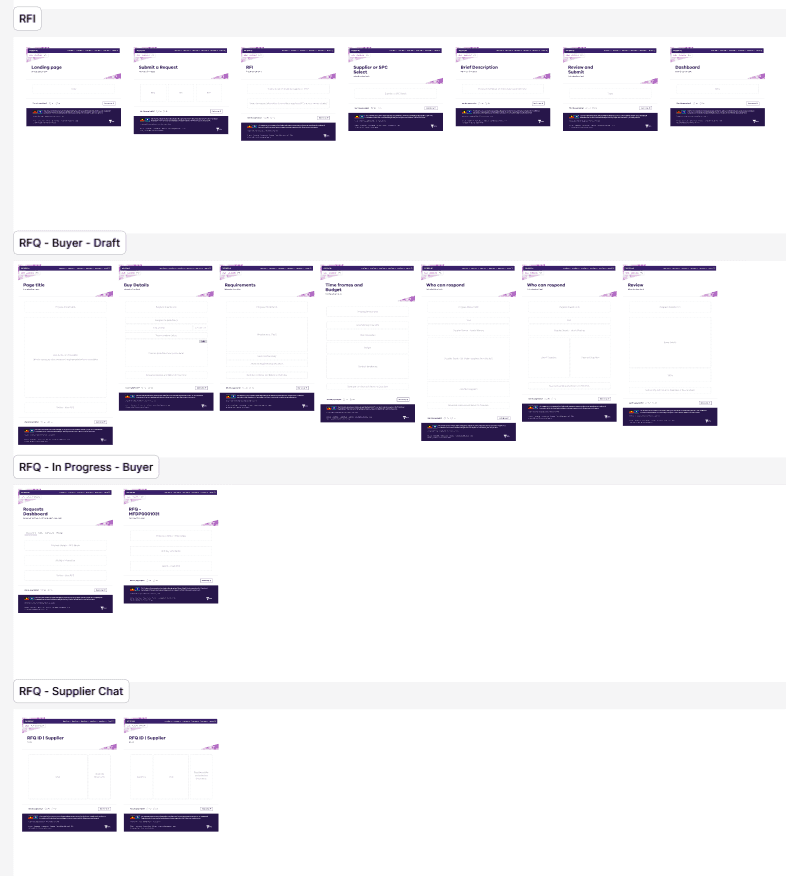
I have always started my design phase with low fidelity wireframing or sketching, moving onto mid fidelities and prototypes for early testing. However, I decided to start with mid fidelity wireframes seeing as there was already a substantial foundation in terms of processes and requirements. Not to mention I would be designing with Ripple 2.0, the Victorian Governments design system. Lastly, high fidelity prototyping for final user feedback and stakeholder approvals. Experience has taught me to test early and to test often. Our designs, while based on data and research, are still only assumptions and cannot be validated until they're put in front of a user.
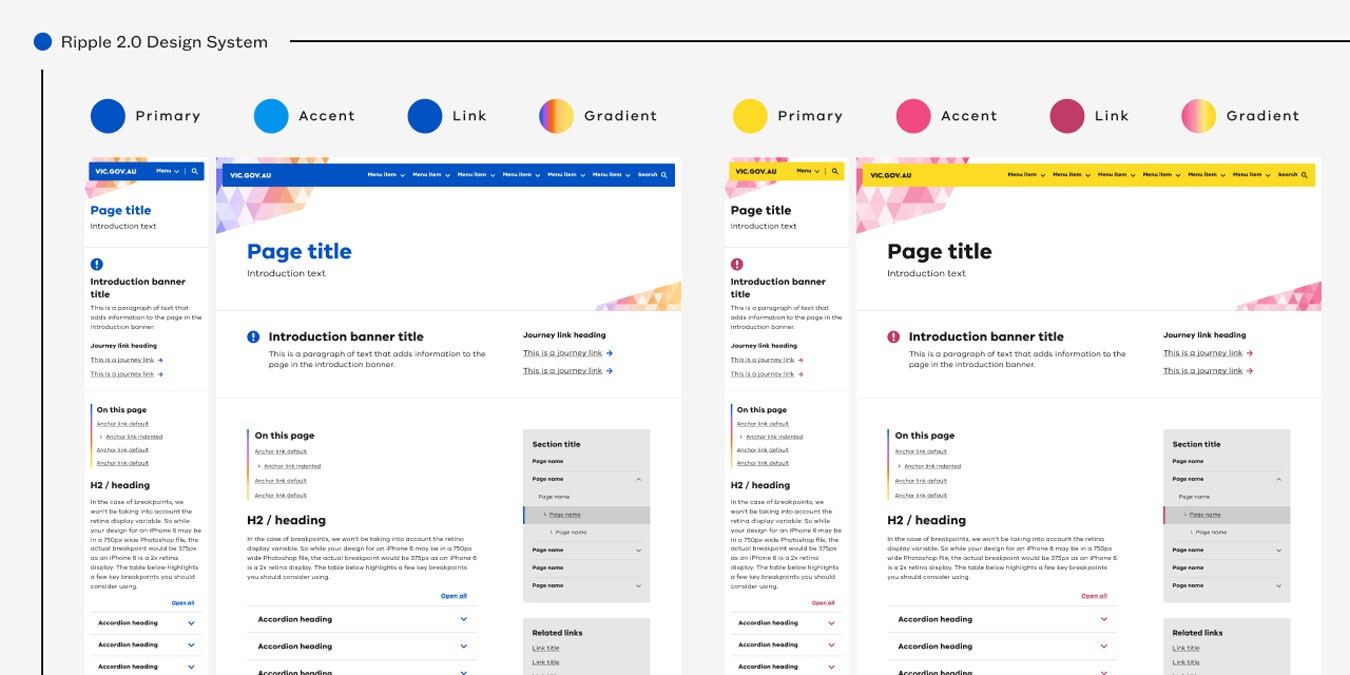
Mid Fidelity Wireframes

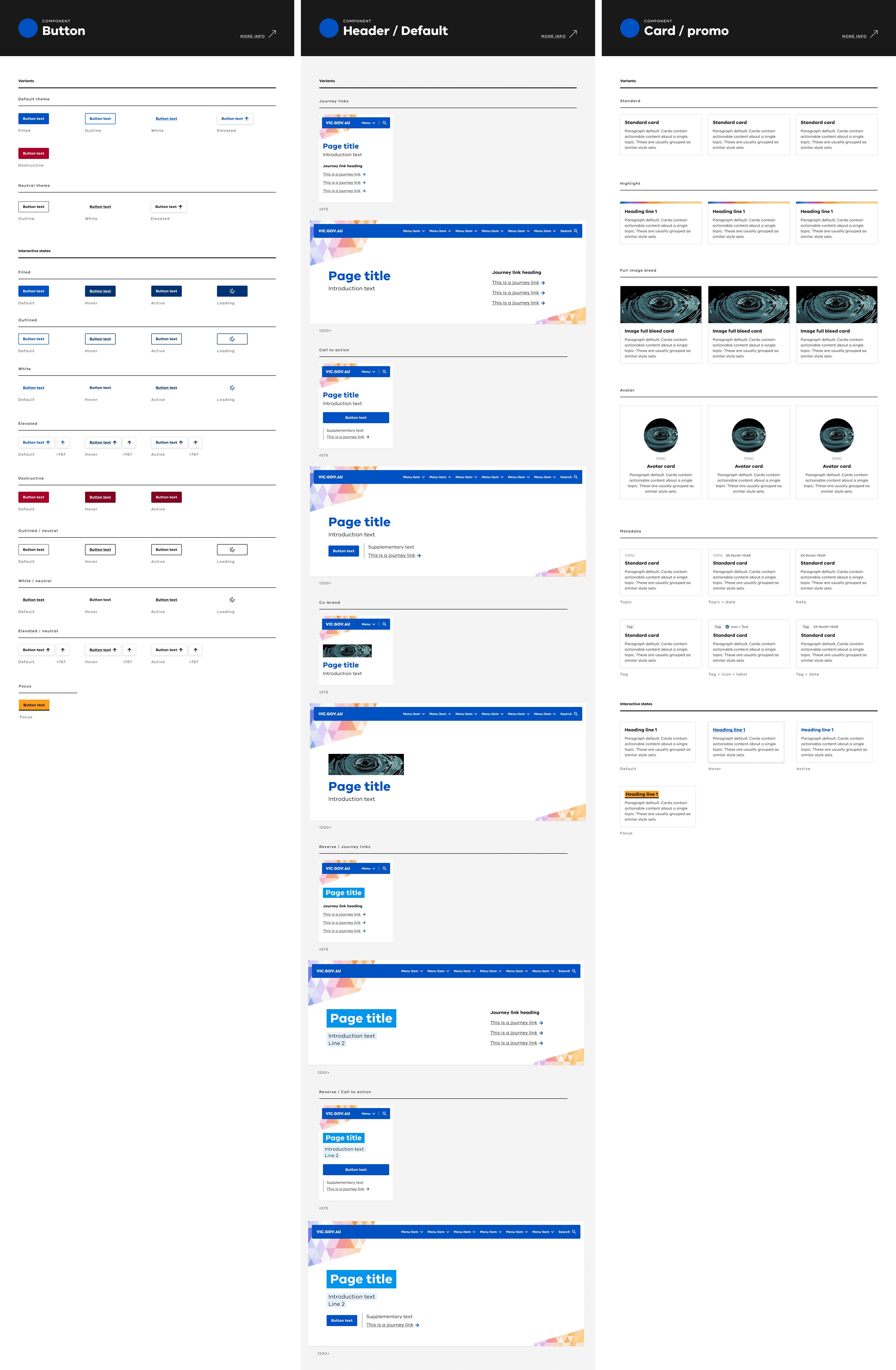
Due to technical limitations of ServiceNow, the platform this procurement tool is built on, designing new and exciting exciting features was just not viable in terms of cost and effort. Instead I had to think creatively on how to use both the ServiceNow and Ripple 2.0 libraries to meet success criteria and user needs. Instead of wireframes being a place to come up with new widgets and functionality, it was a place to determine and iterate on what components met a users needs on any given screen. Listing what is important to a user on a single screen, for example te home screen, and determining the widgets capable of meeting those needs and how those widgets are shown was the most valuable way to start this design process.
Concept and Usability Testing

As part of the project timeline, I planned two distinct rounds of usability testing to drive rapid, evidence-based iteration. The first round focused on foundational learnings and validating core concepts:


  • Concept Testing: I presented participants with two proposed configurations, rotating the order to eliminate bias and gather genuine feedback.


  • Understanding User Expectations: I explored where users intuitively expected to access different forms and what information they looked for.


  • Assessing Key Usability Flows: I observed participants as they navigated major workflows, paying particular attention to common touchpoints like menu interactions.


This approach ensured we captured both user intent and real-world behaviours early, allowing for informed design decisions for the next iteration.

Concept and Usability Testing

As part of the project timeline, I planned two distinct rounds of usability testing to drive rapid, evidence-based iteration. The first round focused on foundational learnings and validating core concepts:


  • Concept Testing: I presented participants with two proposed configurations, rotating the order to eliminate bias and gather genuine feedback.


  • Understanding User Expectations: I explored where users intuitively expected to access different forms and what information they looked for.


  • Assessing Key Usability Flows: I observed participants as they navigated major workflows, paying particular attention to common touchpoints like menu interactions.


This approach ensured we captured both user intent and real-world behaviours early, allowing for informed design decisions for the next iteration.

Findings


  • Portal navigation felt straightforward – Most participants found the new layout easy to understand and could quickly locate core procurement actions such as creating a request or viewing open tasks.


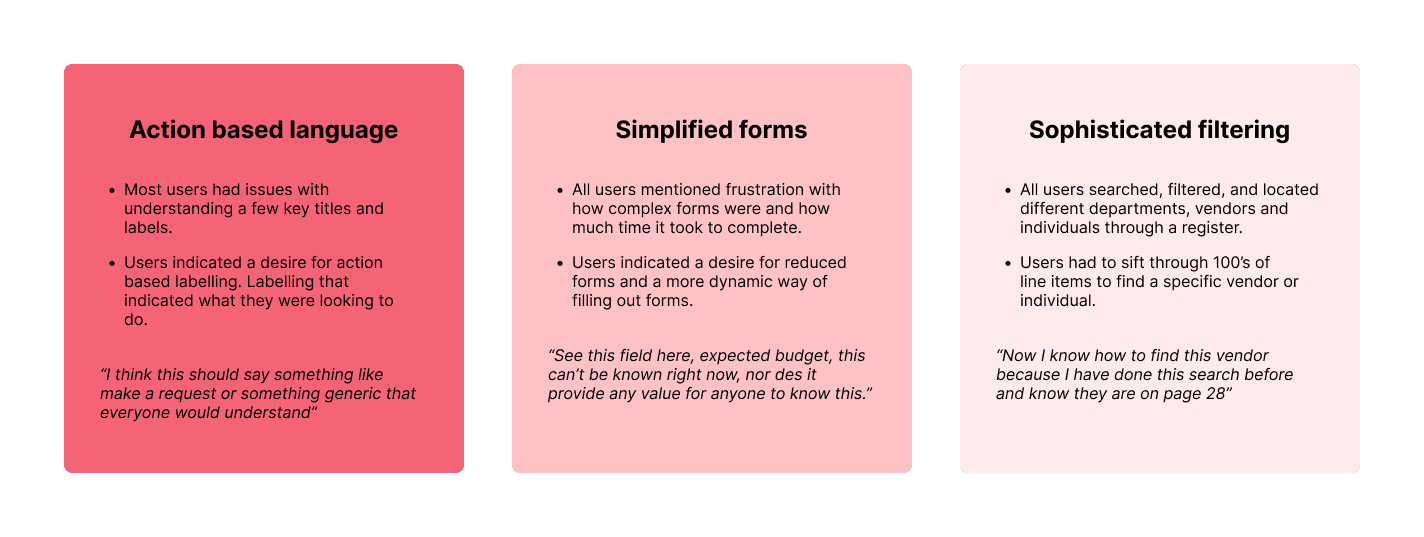
  • Some language felt vague – Users felt some of the labelling and navigation options did not accurately reflect what screen followed and were left feeling confused and stuck after clicking through. Users often had to back track and try again.


  • Filtering and search options caused hesitation – Some users were unsure whether to use filters or search to narrow results, with a few struggling to differentiate between the two when looking for suppliers or contract information.


  • Role-based access aligned with user expectations – The majority of users instinctively looked for actions and information tailored to their specific role, validating the decision to personalize dashboard views and menu options


  • Form fields were unnecessary: Users felt some form fields were unnecessary to complete and were a waste of time.

Findings


  • Portal navigation felt straightforward – Most participants found the new layout easy to understand and could quickly locate core procurement actions such as creating a request or viewing open tasks.


  • Some language felt vague – Users felt some of the labelling and navigation options did not accurately reflect what screen followed and were left feeling confused and stuck after clicking through. Users often had to back track and try again.


  • Filtering and search options caused hesitation – Some users were unsure whether to use filters or search to narrow results, with a few struggling to differentiate between the two when looking for suppliers or contract information.


  • Role-based access aligned with user expectations – The majority of users instinctively looked for actions and information tailored to their specific role, validating the decision to personalize dashboard views and menu options


  • Form fields were unnecessary: Users felt some form fields were unnecessary to complete and were a waste of time.

Iterate

The first round of usability testing revealed key pain points and highlighted the underlying causes, giving me clear direction for improvement. I found the process of uncovering user frustrations and exploring practical solutions particularly rewarding.

Using these insights, I refined my designs and developed a high-fidelity prototype to validate the updates in a second round of testing. I also incorporated screen animations and transitions to better simulate real interactions, making the prototype feel authentic and engaging for participants.

Key Changes
High Fidelity Prototype and Testing

With actionable insights from the first round of usability testing, I moved to develop a high-fidelity prototype that addressed identified pain points.


This version incorporated streamlined navigation, updated labels, and improved form logic, all designed to create a more intuitive and efficient experience. Realistic animations and interactive elements were included to replicate authentic portal interactions.


The prototype was then tested with a new set of users, allowing me to validate that the changes improved navigation clarity, reduced confusion, and increased user confidence in completing tasks.

High Fidelity Prototype and Testing

With actionable insights from the first round of usability testing, I moved to develop a high-fidelity prototype that addressed identified pain points.


This version incorporated streamlined navigation, updated labels, and improved form logic, all designed to create a more intuitive and efficient experience. Realistic animations and interactive elements were included to replicate authentic portal interactions.


The prototype was then tested with a new set of users, allowing me to validate that the changes improved navigation clarity, reduced confusion, and increased user confidence in completing tasks.

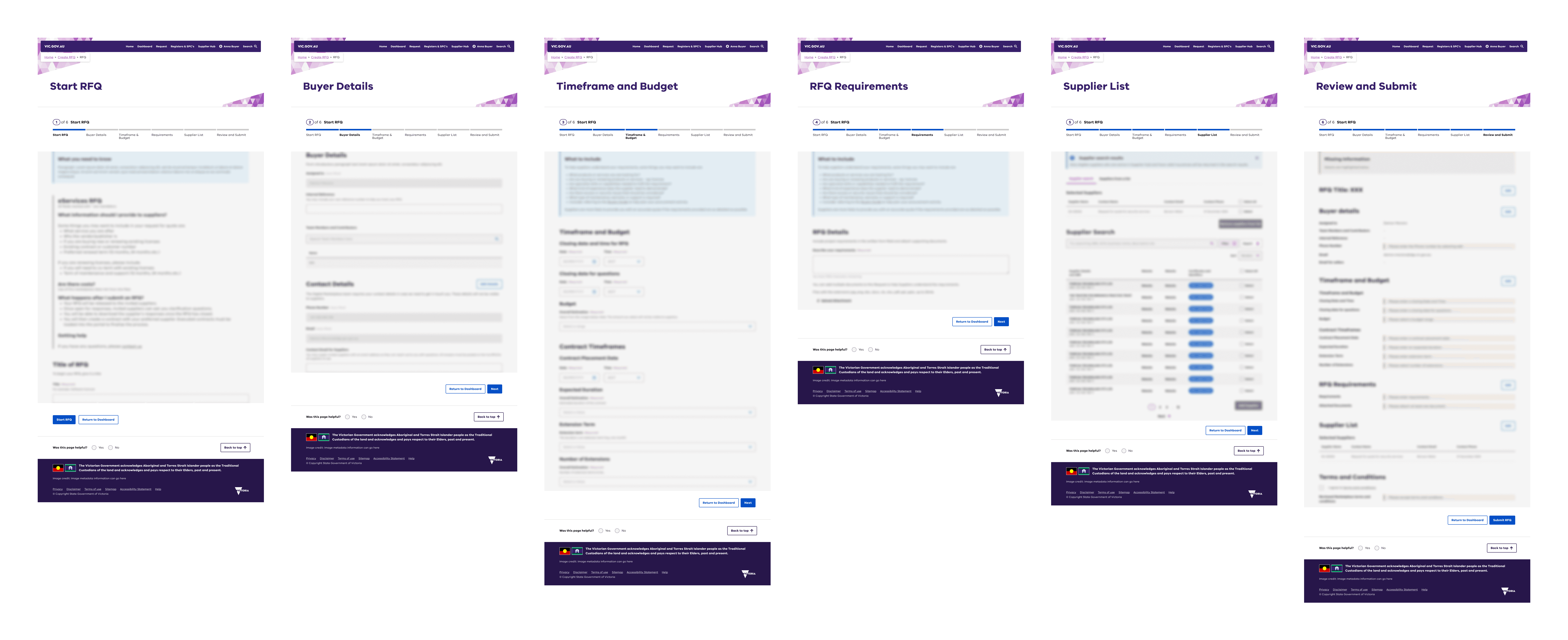
Final Product

The second round of usability testing revealed noticeably fewer and less severe issues, confirming that the design changes had successfully addressed the main pain points. With the core workflows validated, I focused on polishing micro-interactions and improving overall ease of use.


  • Added visible loading indicators when submitting requests or applying filters, giving users clear feedback that their actions were being processed.
  • Set key form defaults (such as commonly used categories or departments) to streamline frequent tasks and reduce repetitive input.
  • Refined button and menu labels to provide more specific action cues, further reducing ambiguity. Updated interactions so that filter and search menus would close automatically once a selection was made, creating a smoother, more seamless experience.

“Completing a request was much quicker this time, I knew exactly what to do, and I didn’t have to guess what the next step was. The process feels a lot more intuitive and less frustrating.”


These final refinements helped ensure the portal not only addressed previous pain points but also delivered a user experience that felt easy, efficient, and fit for purpose.

Final Product

The second round of usability testing revealed noticeably fewer and less severe issues, confirming that the design changes had successfully addressed the main pain points. With the core workflows validated, I focused on polishing micro-interactions and improving overall ease of use.


  • Added visible loading indicators when submitting requests or applying filters, giving users clear feedback that their actions were being processed.
  • Set key form defaults (such as commonly used categories or departments) to streamline frequent tasks and reduce repetitive input.
  • Refined button and menu labels to provide more specific action cues, further reducing ambiguity. Updated interactions so that filter and search menus would close automatically once a selection was made, creating a smoother, more seamless experience.

“Completing a request was much quicker this time, I knew exactly what to do, and I didn’t have to guess what the next step was. The process feels a lot more intuitive and less frustrating.”


These final refinements helped ensure the portal not only addressed previous pain points but also delivered a user experience that felt easy, efficient, and fit for purpose.

Final Product

The second round of usability testing revealed noticeably fewer and less severe issues, confirming that the design changes had successfully addressed the main pain points. With the core workflows validated, I focused on polishing micro-interactions and improving overall ease of use.


  • Added visible loading indicators when submitting requests or applying filters, giving users clear feedback that their actions were being processed.
  • Set key form defaults (such as commonly used categories or departments) to streamline frequent tasks and reduce repetitive input.
  • Refined button and menu labels to provide more specific action cues, further reducing ambiguity. Updated interactions so that filter and search menus would close automatically once a selection was made, creating a smoother, more seamless experience.


“Completing a request was much quicker this time, I knew exactly what to do, and I didn’t have to guess what the next step was. The process feels a lot more intuitive and less frustrating.”


These final refinements helped ensure the portal not only addressed previous pain points but also delivered a user experience that felt easy, efficient, and fit for purpose.

Final Product

The second round of usability testing revealed noticeably fewer and less severe issues, confirming that the design changes had successfully addressed the main pain points. With the core workflows validated, I focused on polishing micro-interactions and improving overall ease of use.


  • Added visible loading indicators when submitting requests or applying filters, giving users clear feedback that their actions were being processed.
  • Set key form defaults (such as commonly used categories or departments) to streamline frequent tasks and reduce repetitive input.
  • Refined button and menu labels to provide more specific action cues, further reducing ambiguity. Updated interactions so that filter and search menus would close automatically once a selection was made, creating a smoother, more seamless experience.

“Completing a request was much quicker this time, I knew exactly what to do, and I didn’t have to guess what the next step was. The process feels a lot more intuitive and less frustrating.”


These final refinements helped ensure the portal not only addressed previous pain points but also delivered a user experience that felt easy, efficient, and fit for purpose.

Wireframing

Early wireframes exploring user flows, touchpoints, and data collection opportunities.

Synthesising data

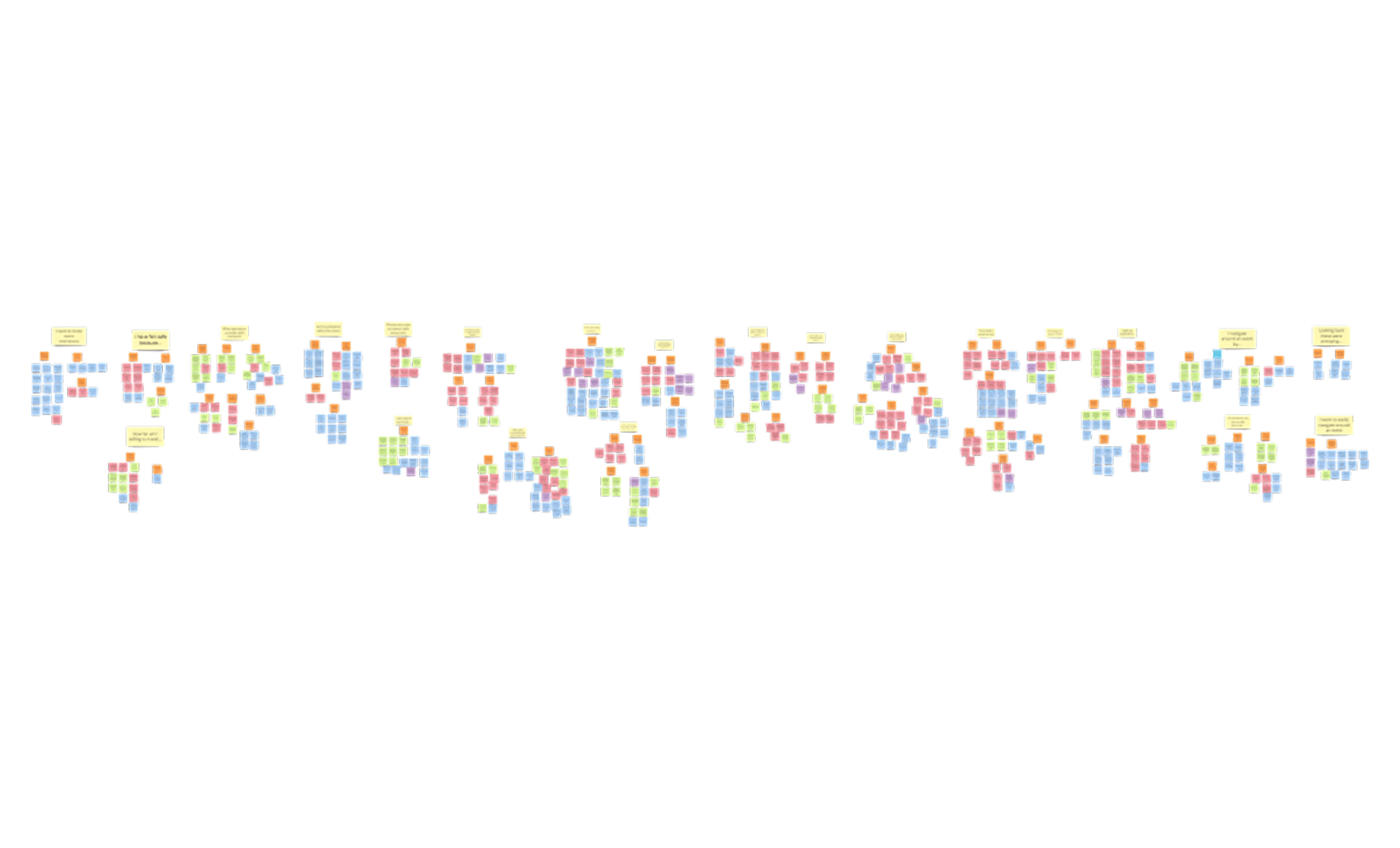
Organising 600+ insights into actionable themes to guide feature prioritisation.

Scalable Design

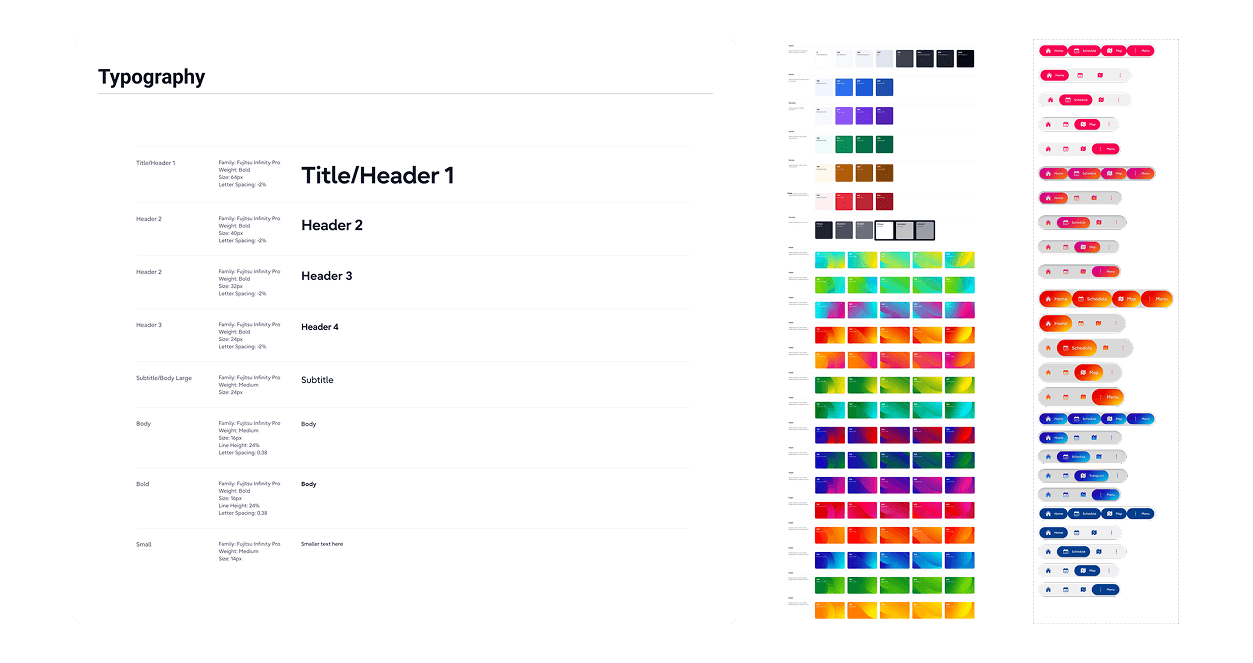
Core components built for consistency, scalability, and rapid event customisation.

High Fidelity wireframes

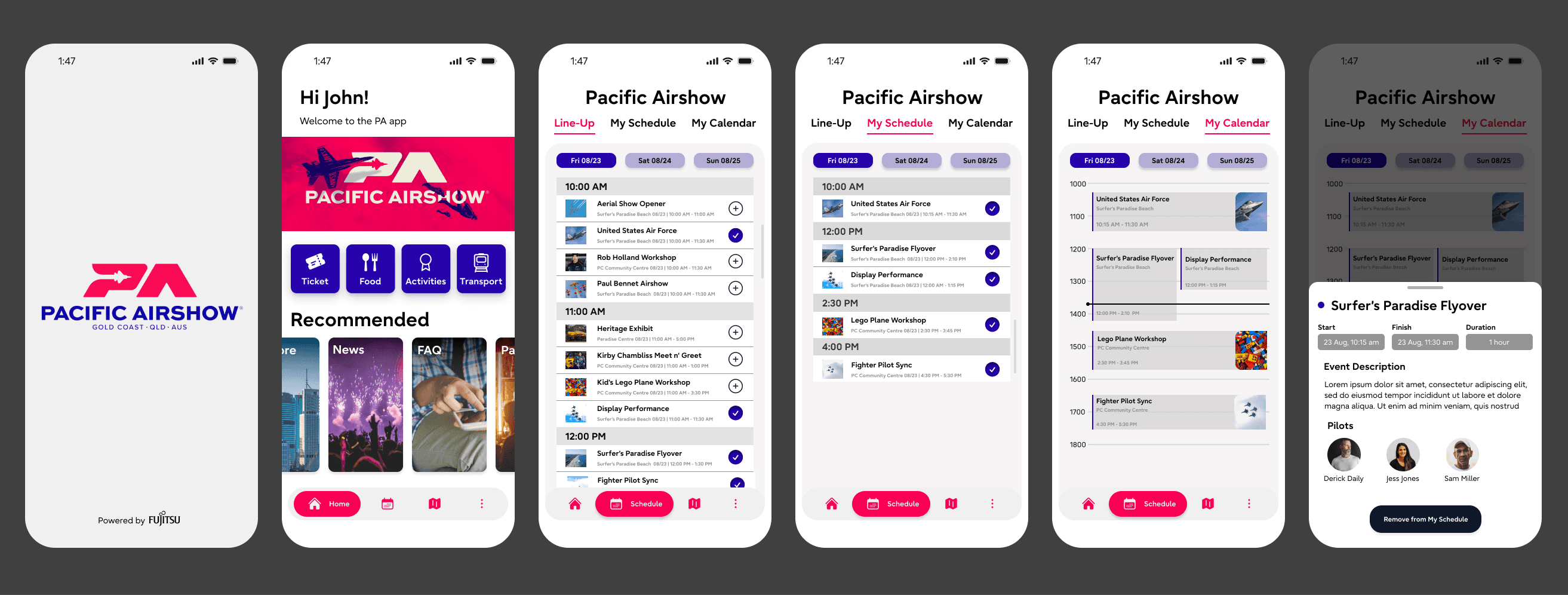
High-fidelity screens showcasing the dynamic, touchpoint-driven attendee experience.