ServiceNow GRC
Governance risk and compliance
Client
Large Professional Services Company
Services
UX Research UX Design UI Design Information Hierarchy
My Role
Financial Services Public Sector Technology Consumer Markets
Date
October 2024
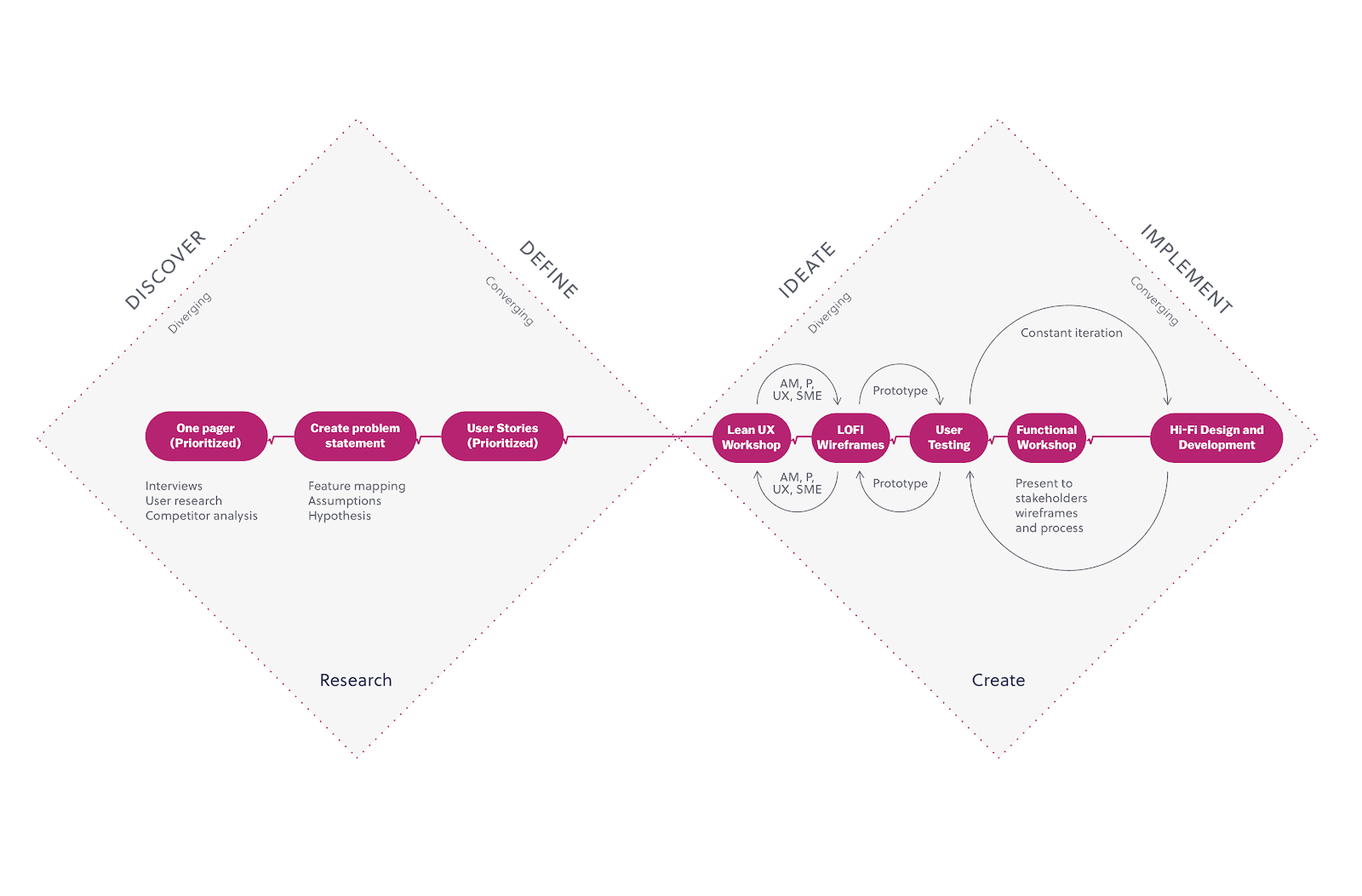
Narrowing down the scope of work
64% of users found the dashboards overwhelming and cluttered, making it difficult to prioritise tasks
50% of users reported confusion around where to find key workflows, such as issue reporting and control testing
43% of users struggled to interpret system labels and differentiate links from buttons, leading to errors and delays
36% of users said they couldn’t easily track the status of their tasks or see what required their attention
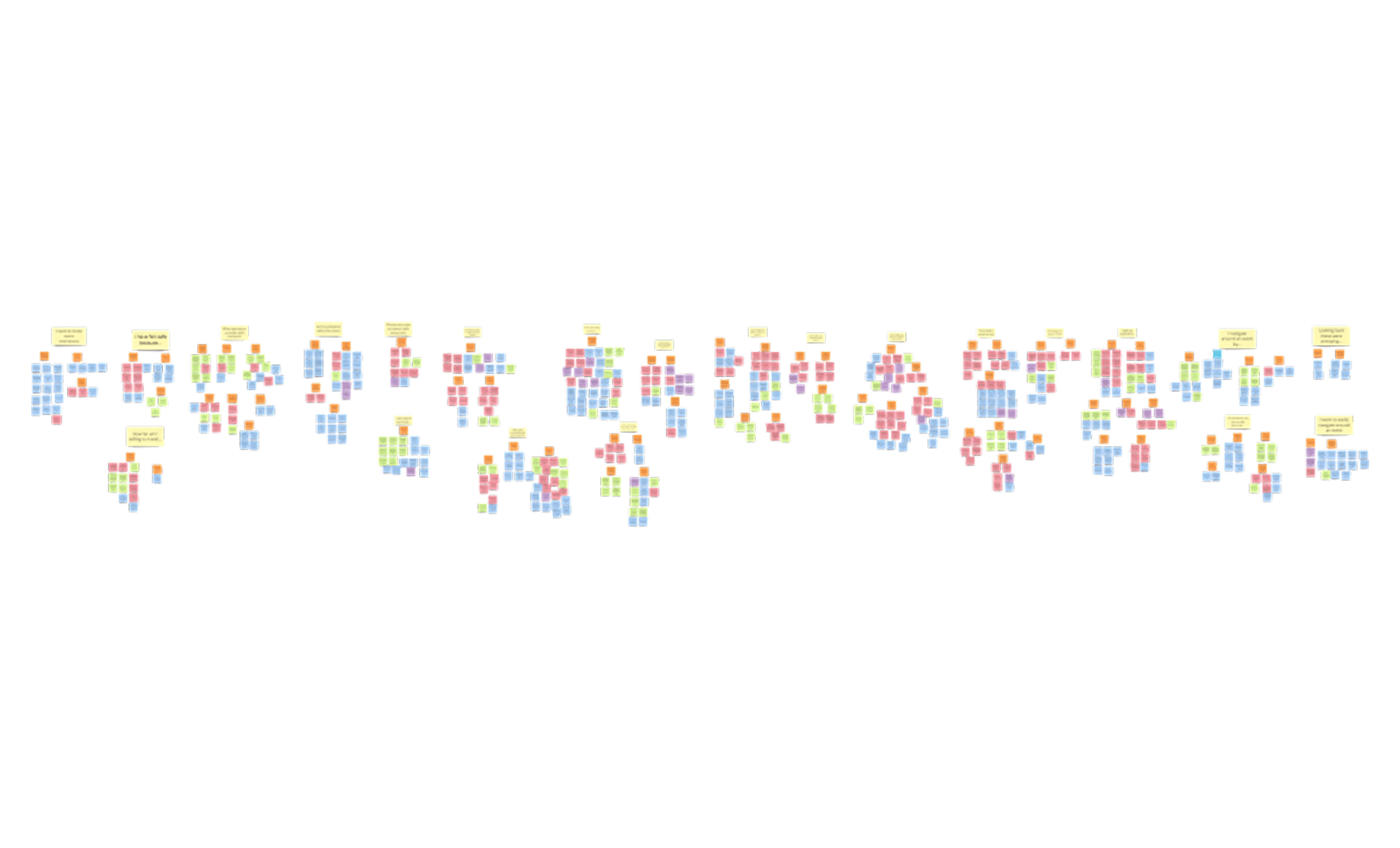
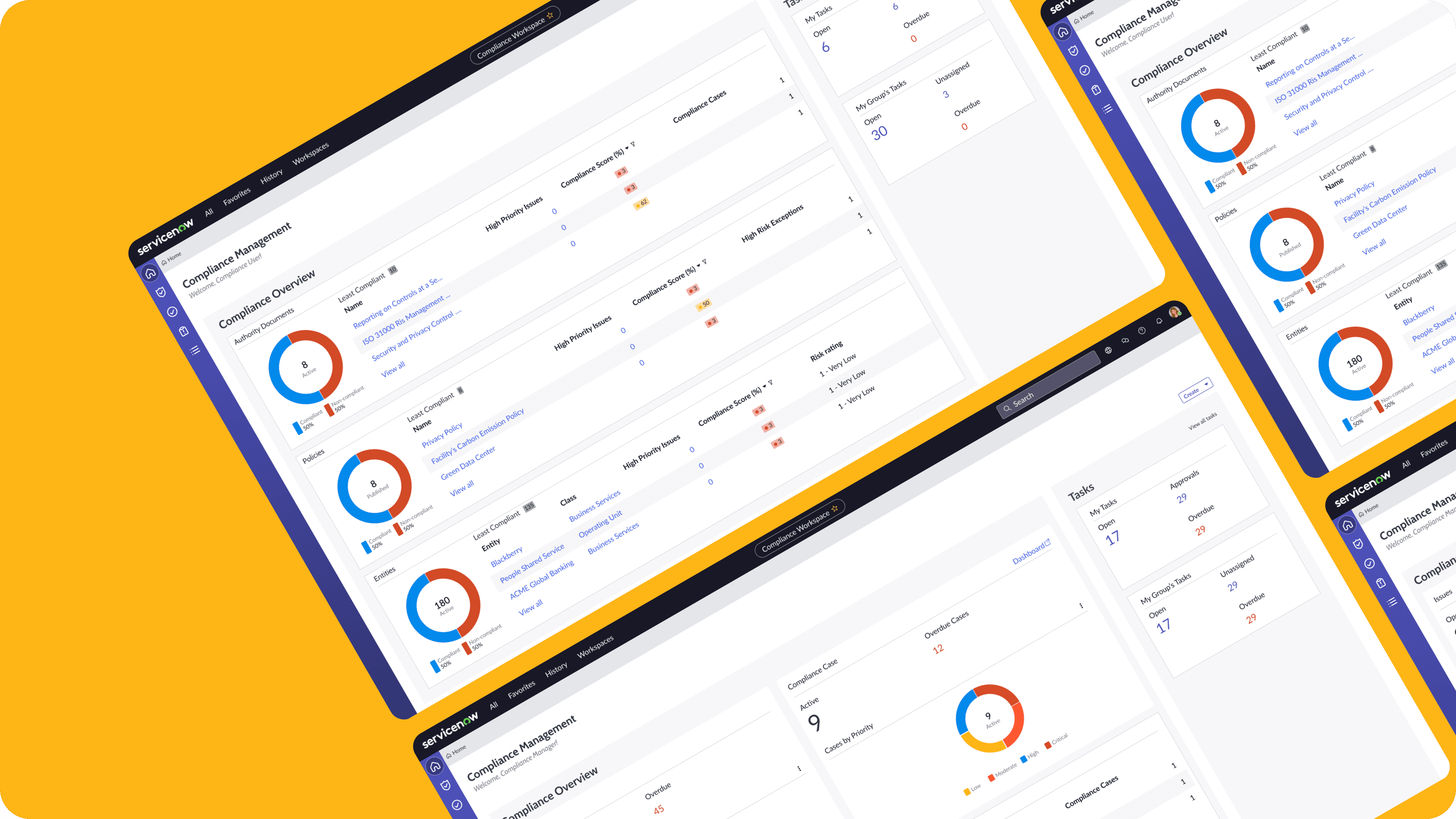
Based on interviews with 14 users across risk, compliance, and business roles, we identified key usability issues within the existing ServiceNow GRC configuration that helped us focus the scope of our redesign:
Designing within constraints
The ServiceNow platform had strict constraints: no custom code, limited UI components, and inconsistent behavior across modules. We had to make smart trade-offs:
Prioritised clarity over completeness: Instead of surfacing everything, we focused on showing just what users needed to act.
Grouped responsibilities by user role, rather than by data source, to better reflect how work actually gets done.
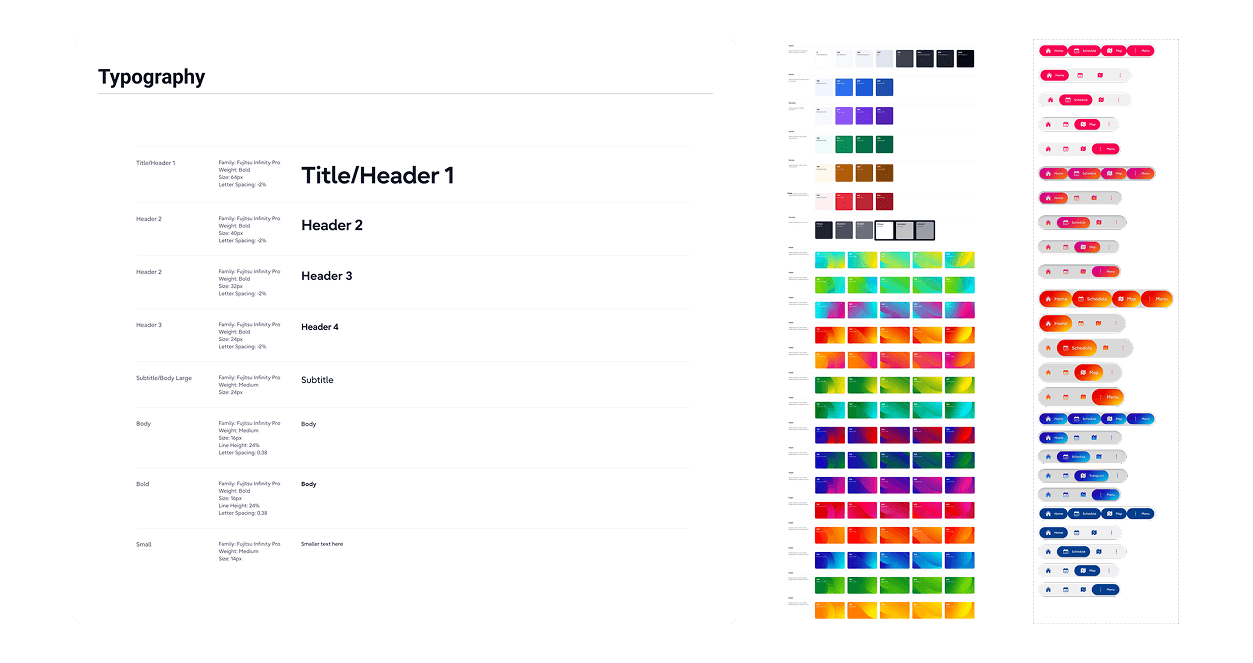
Standardised layouts across dashboards to reduce cognitive load and encourage consistent use.
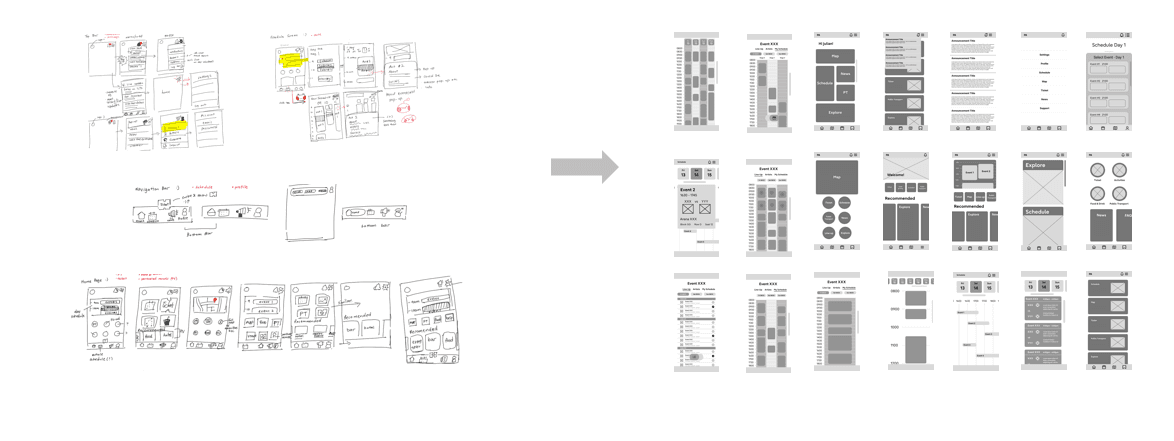
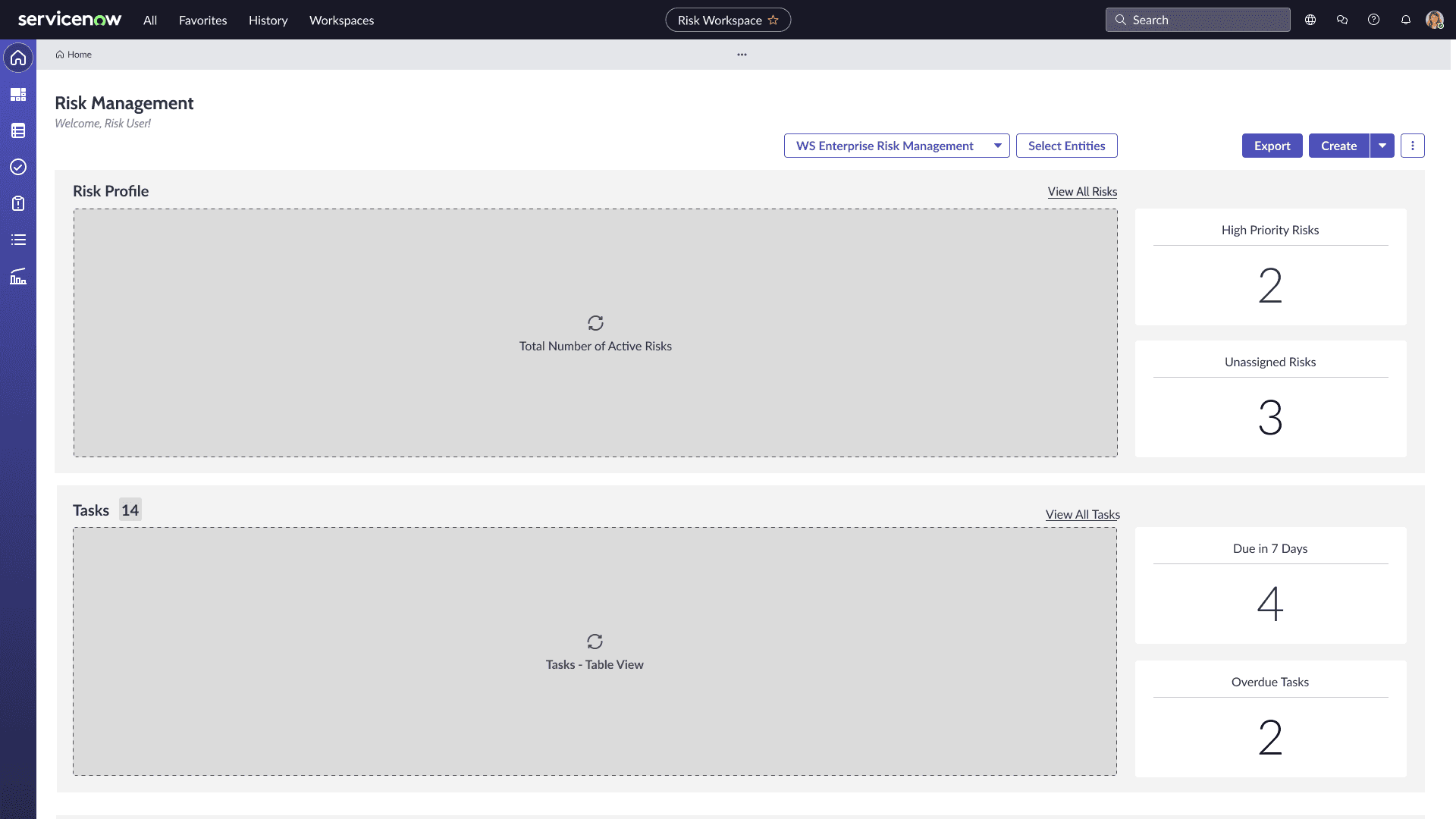
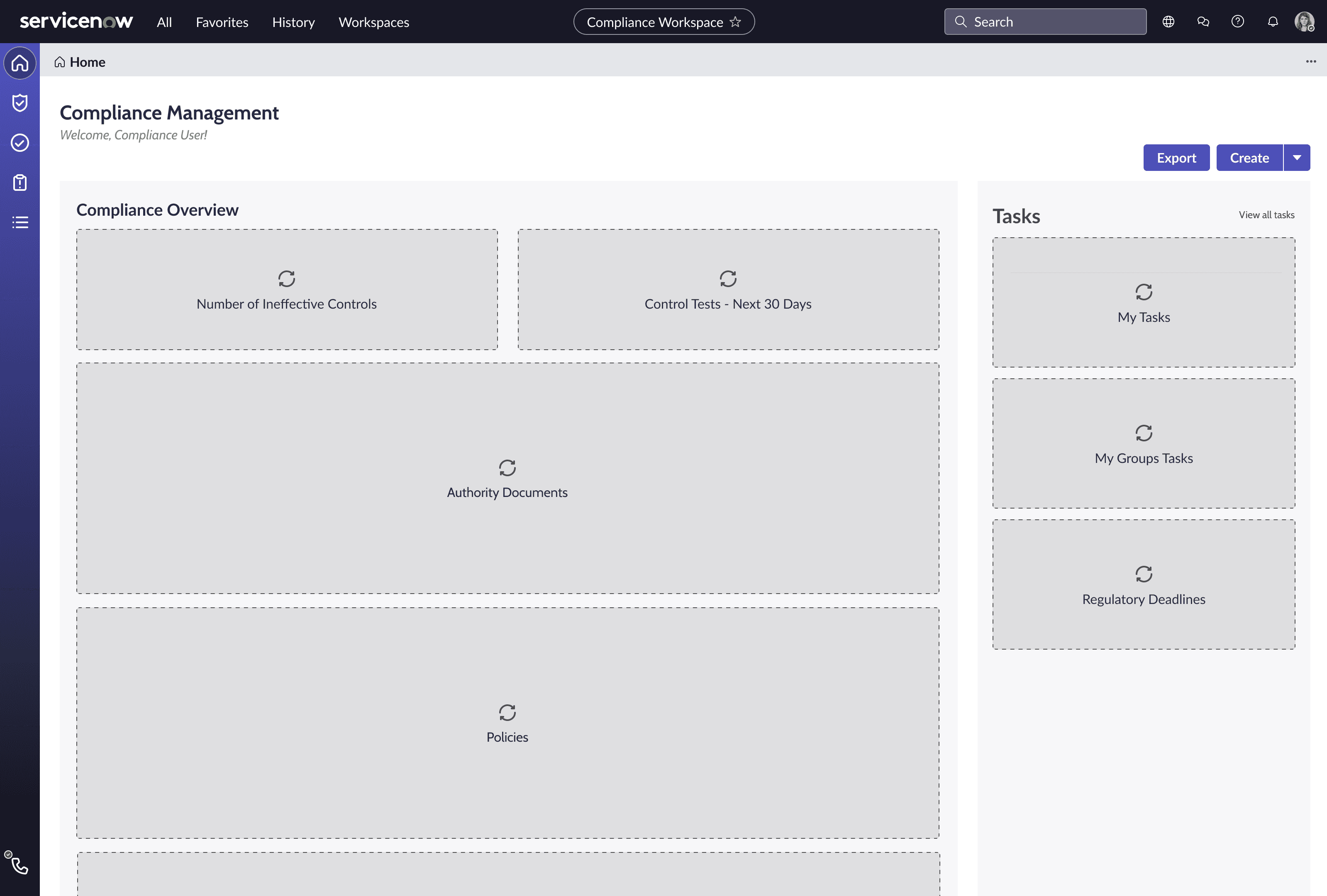
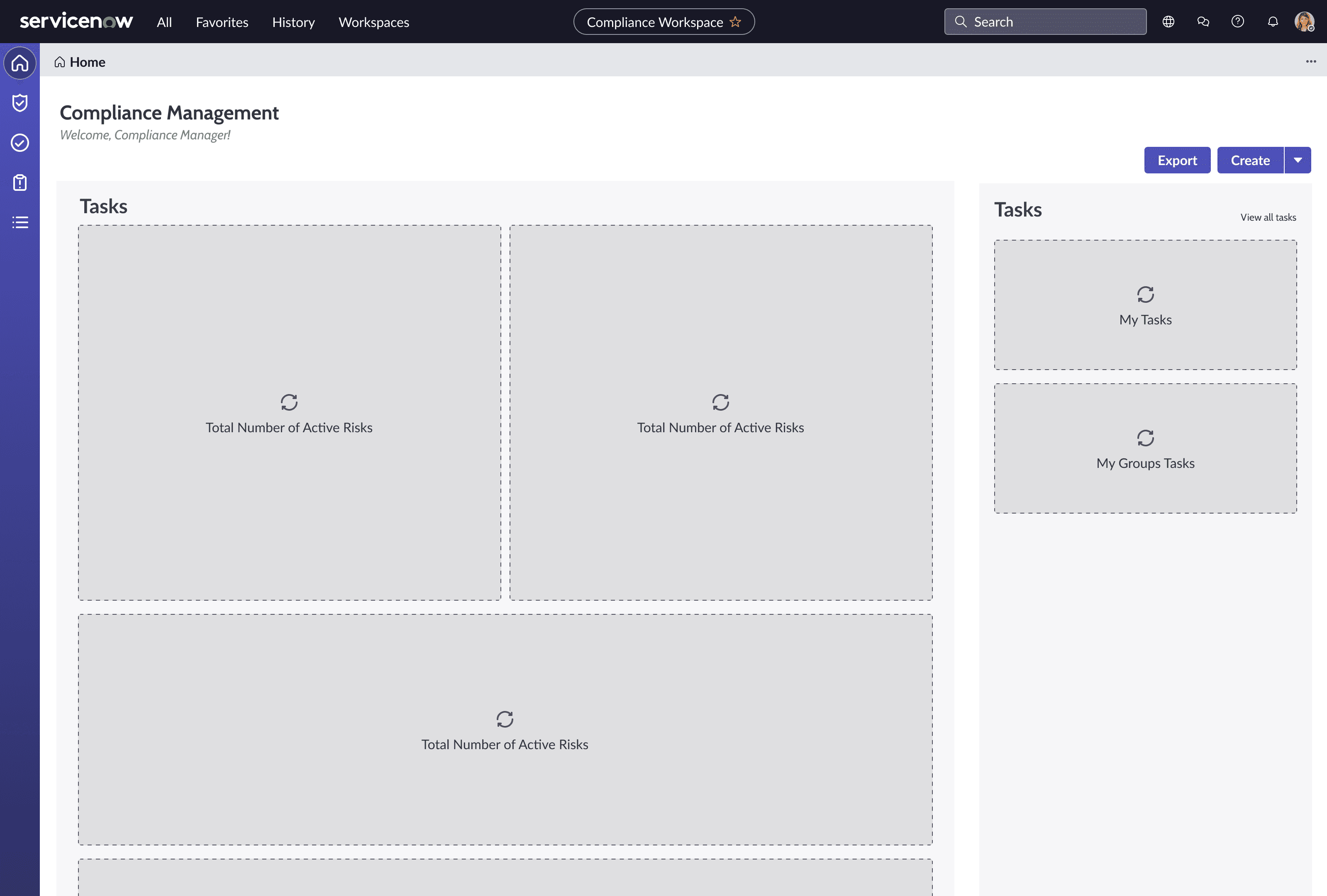
We moved into rapid prototyping, starting with low-fidelity wireframes to test information hierarchy and layout logic. Our key principles:
Use clear, prominent headings and section dividers
Highlight personal tasks upfront
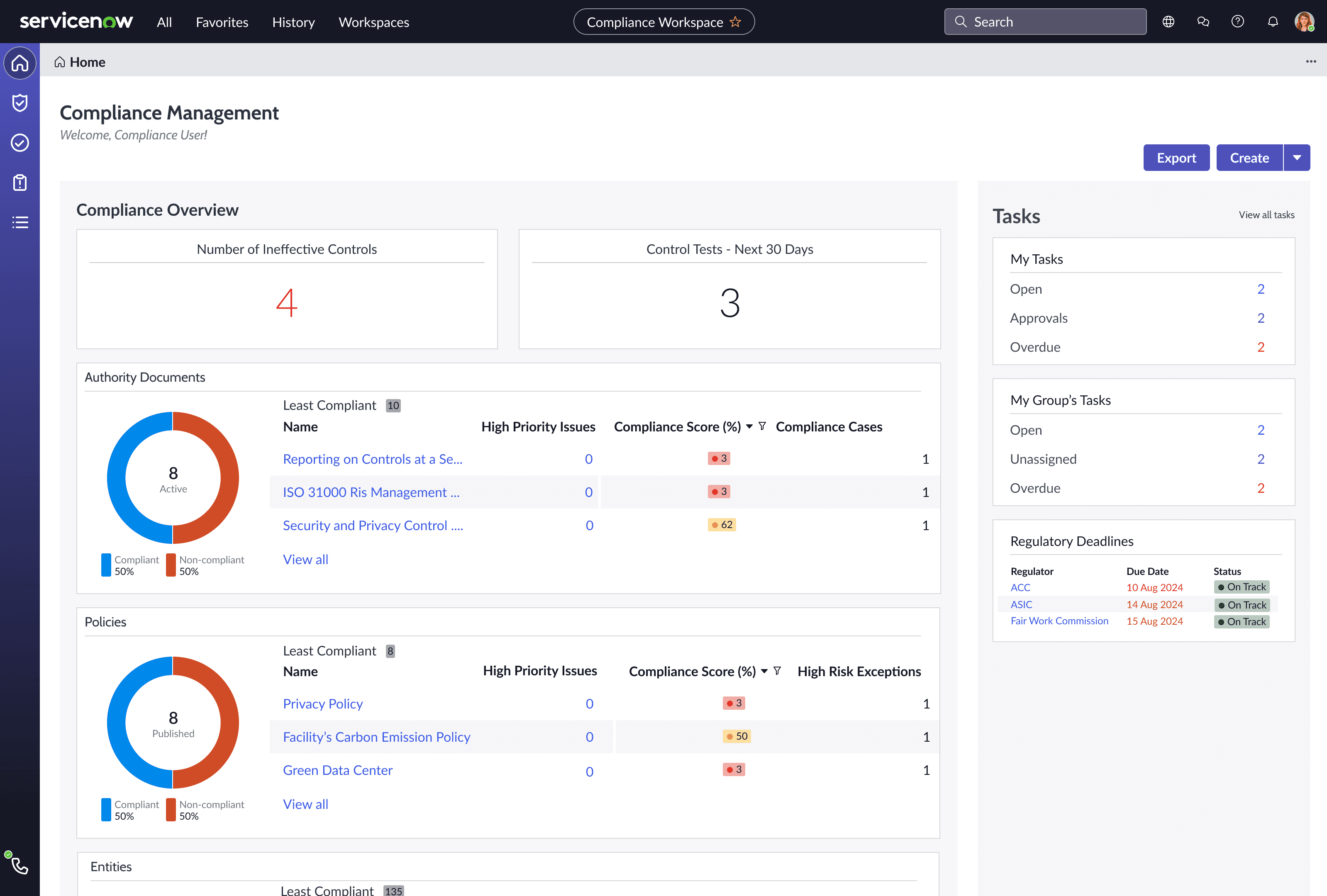
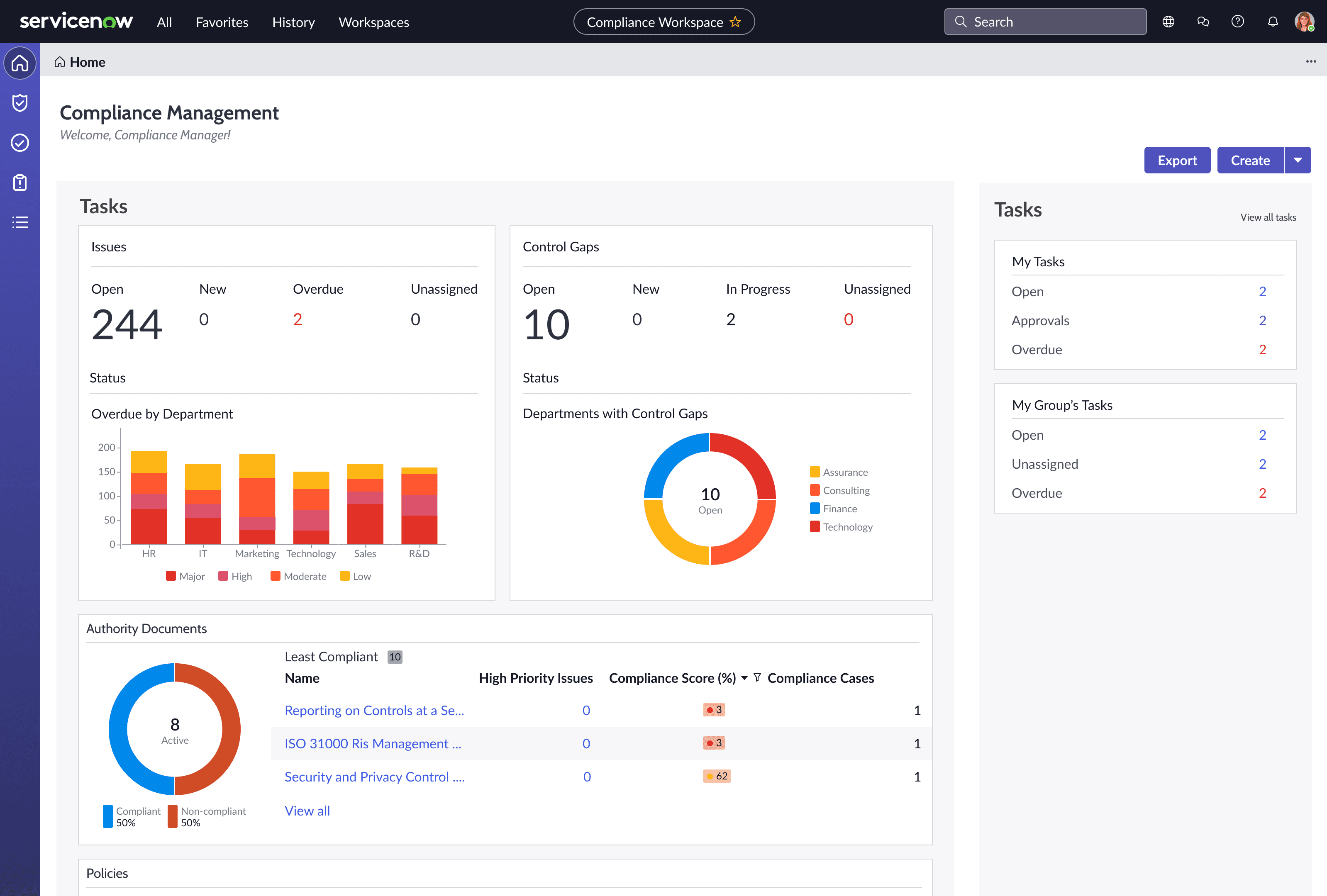
Split information into digestible “zones”: My Tasks, Group Tasks, Issues, Remediation Progress
Wireframes were tested internally with stakeholders and iterated on quickly.
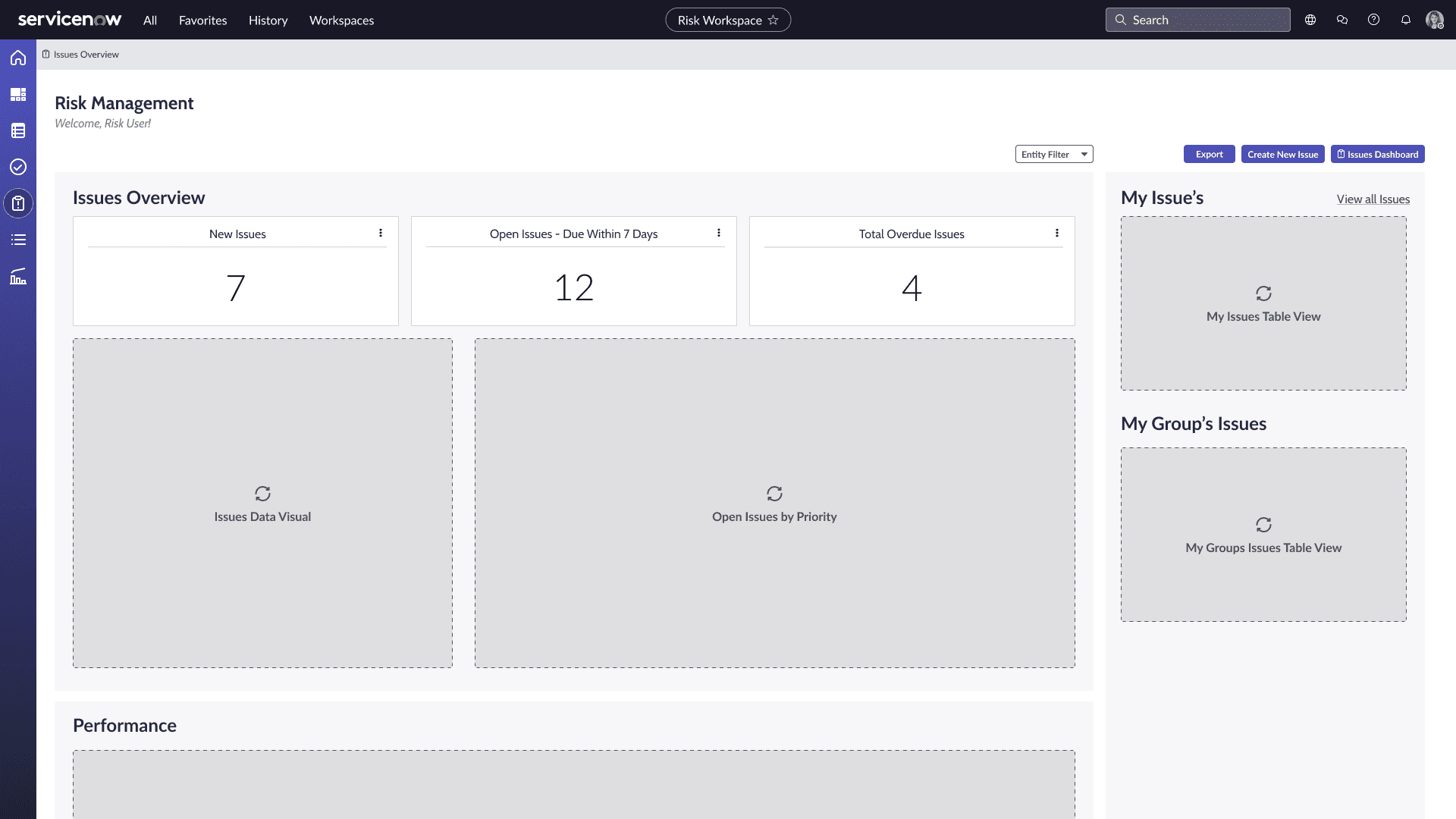
Refining through feedback
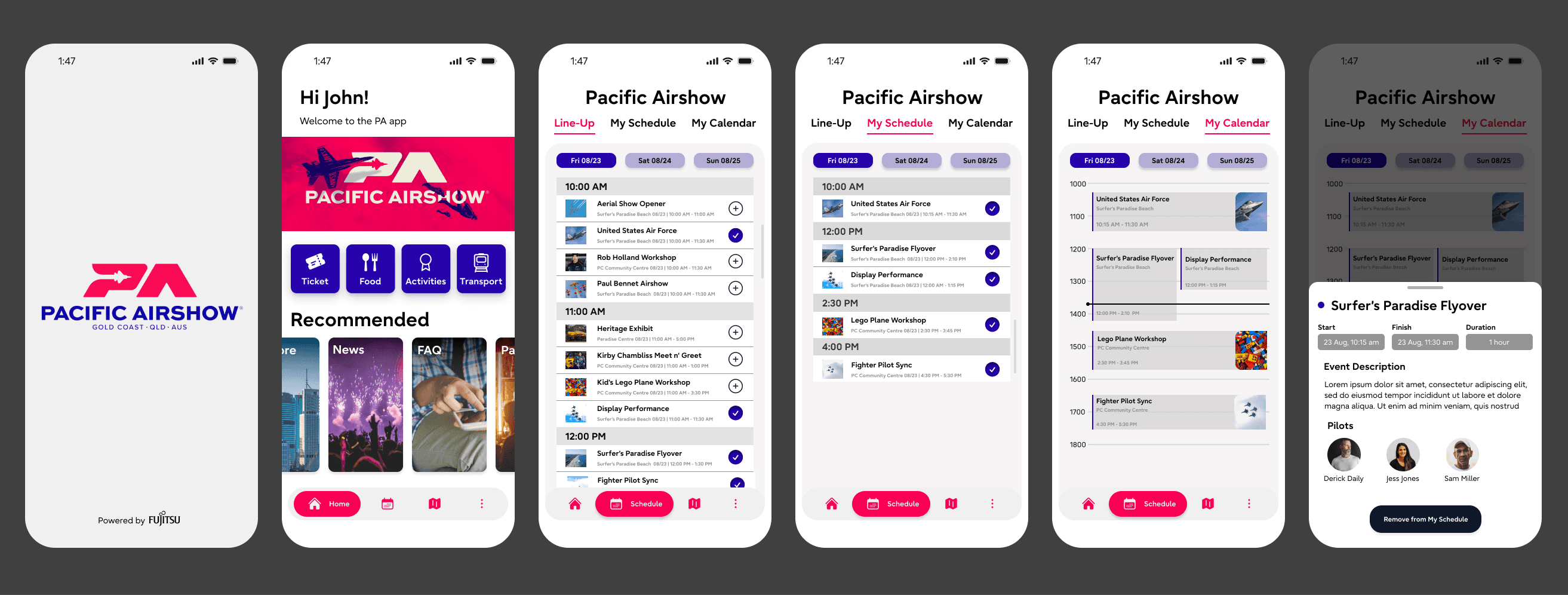
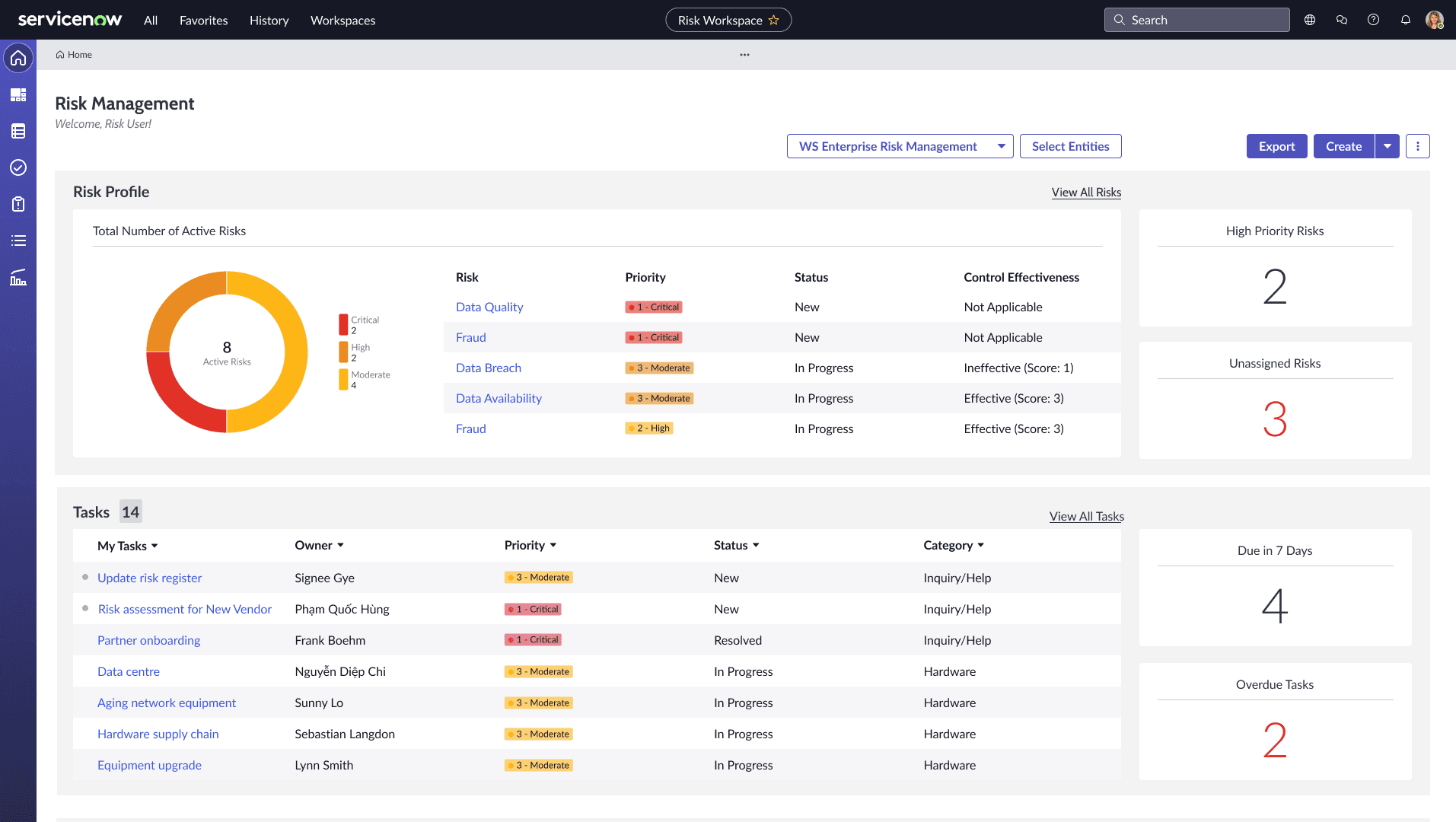
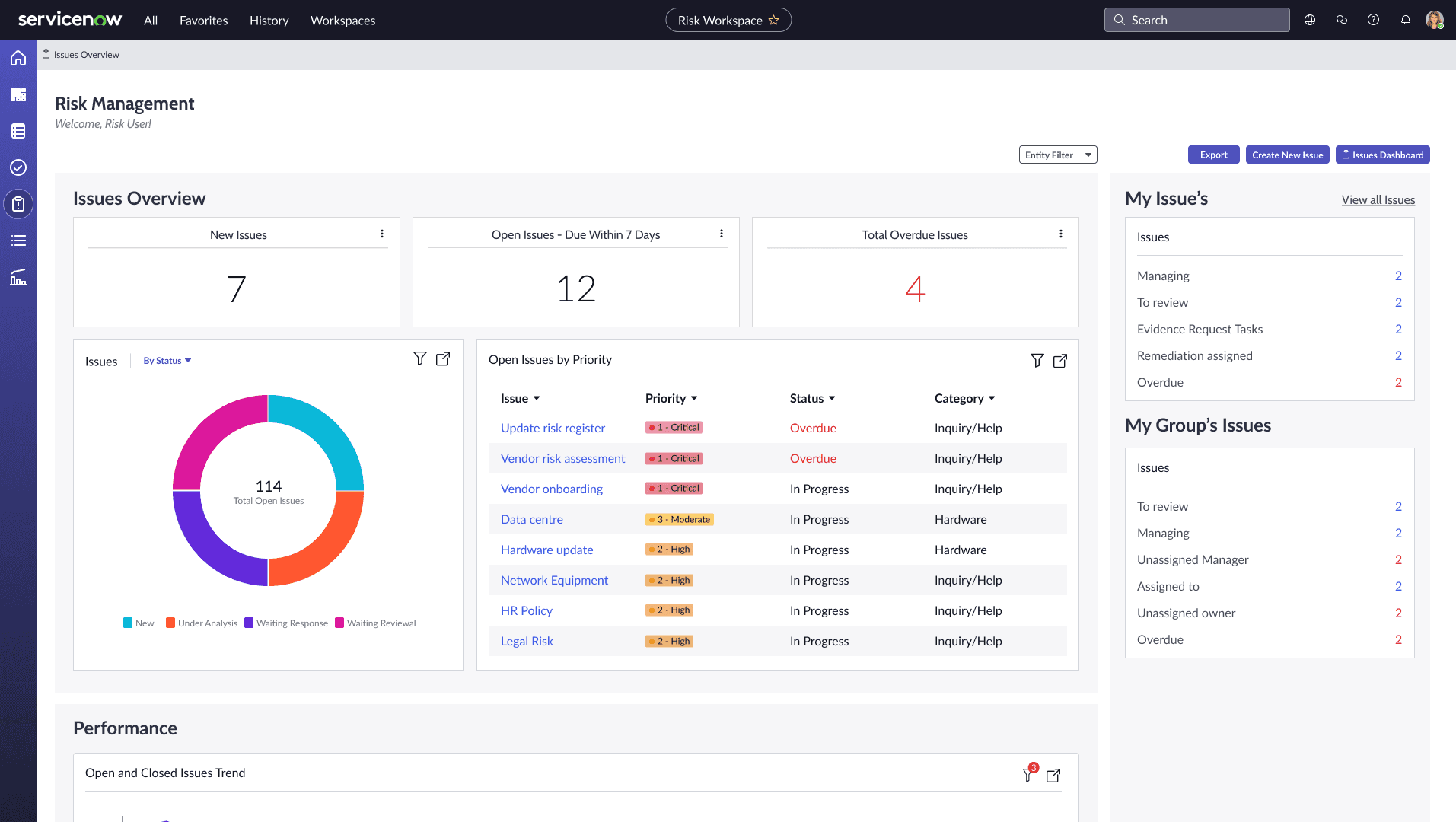
High-fidelity mockups brought the new structure to life. We presented clickable prototypes to stakeholders, incorporating feedback such as:
Add indicators for overdue tasks
Surface remediation timelines alongside issue severity
Collapse less-used sections by default for better focus
Wireframes were tested internally with stakeholders and iterated on quickly.
Outcome & Reflection
The redesigned workspaces provided:
Clearer role-based dashboards, helping users focus on what mattered to them
Streamlined workflows, reducing friction and confusion
Alignment between business expectations and user behaviour
A 25% decrease in support tickets.
What I learned:
Constraints aren’t blockers—they’re design inputs
Translating user needs into enterprise systems requires deep systems thinking, not just interface design
User alignment is not enough—you must negotiate the space between business, tech, and people
If I had more freedom, I would have pushed for cross-module consistency across the entire GRC suite—but even within our scope, the improvements were measurable and deeply appreciated by stakeholders.