Events Management Application

Creating an attendee experience to power smarter, safer crowd management.

Client

State Government

Services

User research Wireframing UI Design Prototyping

My Role

Travel

Date

April 2024
Dashboard Sidebar Close Up

04 - WORKFLOW DESIGN

Designing the automation loop end-to-end

The core design challenge was mapping and then encoding the full task lifecycle as an automated workflow — replacing every manual handoff with a designed interaction. Each stage of the loop needed to feel effortless for the person at that node, while reliably passing structured data to the next.

Final Product

The second round of usability testing revealed noticeably fewer and less severe issues, confirming that the design changes had successfully addressed the main pain points. With the core workflows validated, I focused on polishing micro-interactions and improving overall ease of use.


  • Added visible loading indicators when submitting requests or applying filters, giving users clear feedback that their actions were being processed.
  • Set key form defaults (such as commonly used categories or departments) to streamline frequent tasks and reduce repetitive input.
  • Refined button and menu labels to provide more specific action cues, further reducing ambiguity. Updated interactions so that filter and search menus would close automatically once a selection was made, creating a smoother, more seamless experience.

“Completing a request was much quicker this time, I knew exactly what to do, and I didn’t have to guess what the next step was. The process feels a lot more intuitive and less frustrating.”


These final refinements helped ensure the portal not only addressed previous pain points but also delivered a user experience that felt easy, efficient, and fit for purpose.

  1. Prior

  1. Prior

Users were seeking event information, ticketing details, transportation options, and pre-event activities.

Users were seeking event information, ticketing details, transportation options, and pre-event activities.

  1. Day of

  1. Day of

Users focused on arrival logistics, venue navigation, and preparation for entering the event safely and efficiently.

Users focused on arrival logistics, venue navigation, and preparation for entering the event safely and efficiently.

  1. During the Event

  1. During

Users needed real-time updates, wayfinding support, crowd density information, and service access (food, restrooms, medical).

Users needed real-time updates, wayfinding support, crowd density information, and service access (food, restrooms, medical).

  1. Post

  1. Post

Users required guidance for exiting the venue, transportation home, and nearby post-event activities or partnered locations.

Users required guidance for exiting the venue, transportation home, and nearby post-event activities or partnered locations.

Design implications


Recognising these touchpoints was critical to shaping a user experience that felt intuitive and supportive at every stage of the event journey.
Rather than delivering static, one-size-fits-all content, the application dynamically adapted to where users were in their journey—providing context-specific information and nudging behaviour to aid in crowd management.
For example, prior to arrival, the app recommended partnered restaurants and bars to influence inbound crowd flow, while post-event, it guided users to dispersal points and alternative venues to ease exit congestion.

Designing the solution

Our design approach centred around two priorities: User empowerment and actionable insights.
Key experience elements:


  • Smart Onboarding: Clear permissions and personalised preferences set upfront

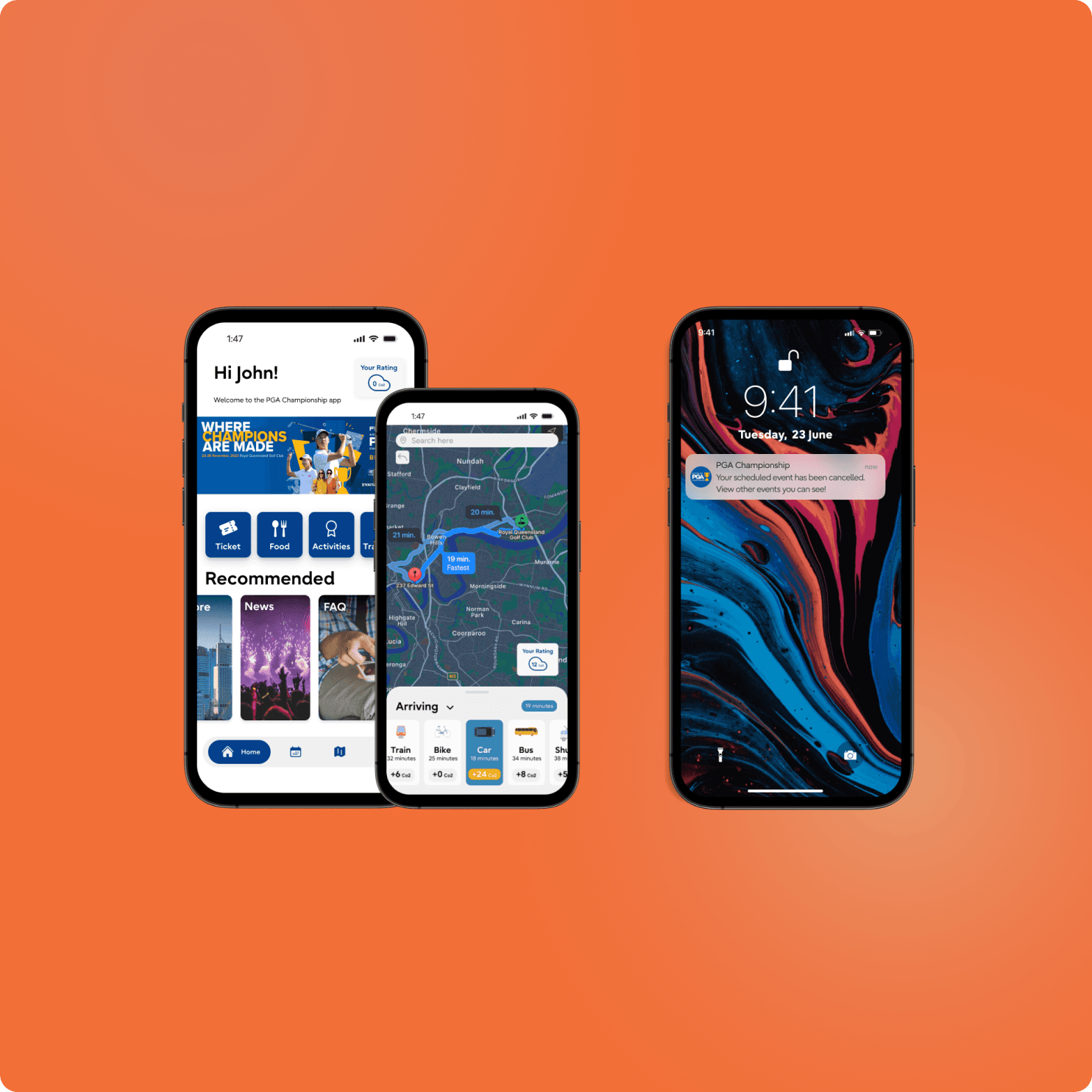
  • Live Event Map: Real-time density indicators and navigation support

  • Proactive Notifications: Suggestions for less crowded areas, updated event information

  • Opt-In Data Sharing: Transparent explanations of what is collected and why

  • Touchpoint-Specific Experiences: Dynamic content and guidance based on whether users were arriving, attending, or exiting the event
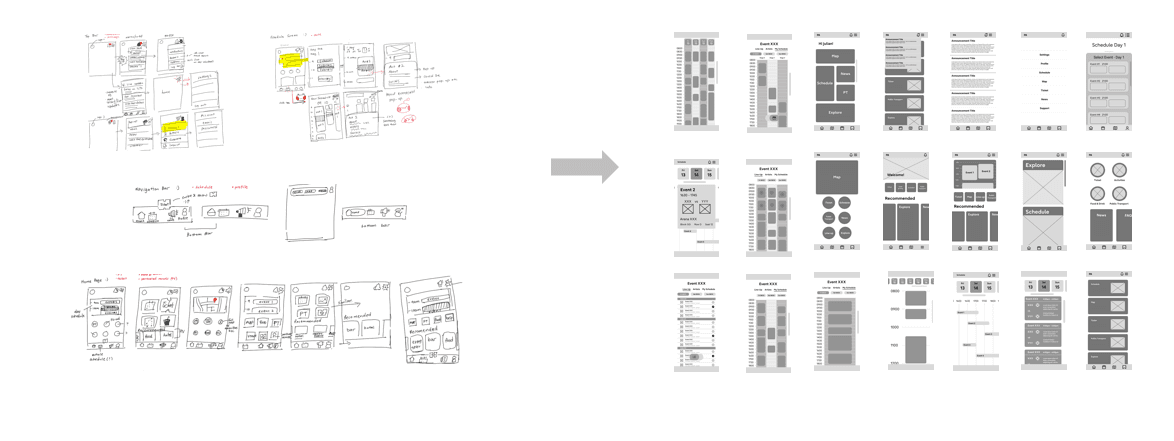
Wireframing

Early wireframes exploring user flows, touchpoints, and data collection opportunities.

Synthesising data

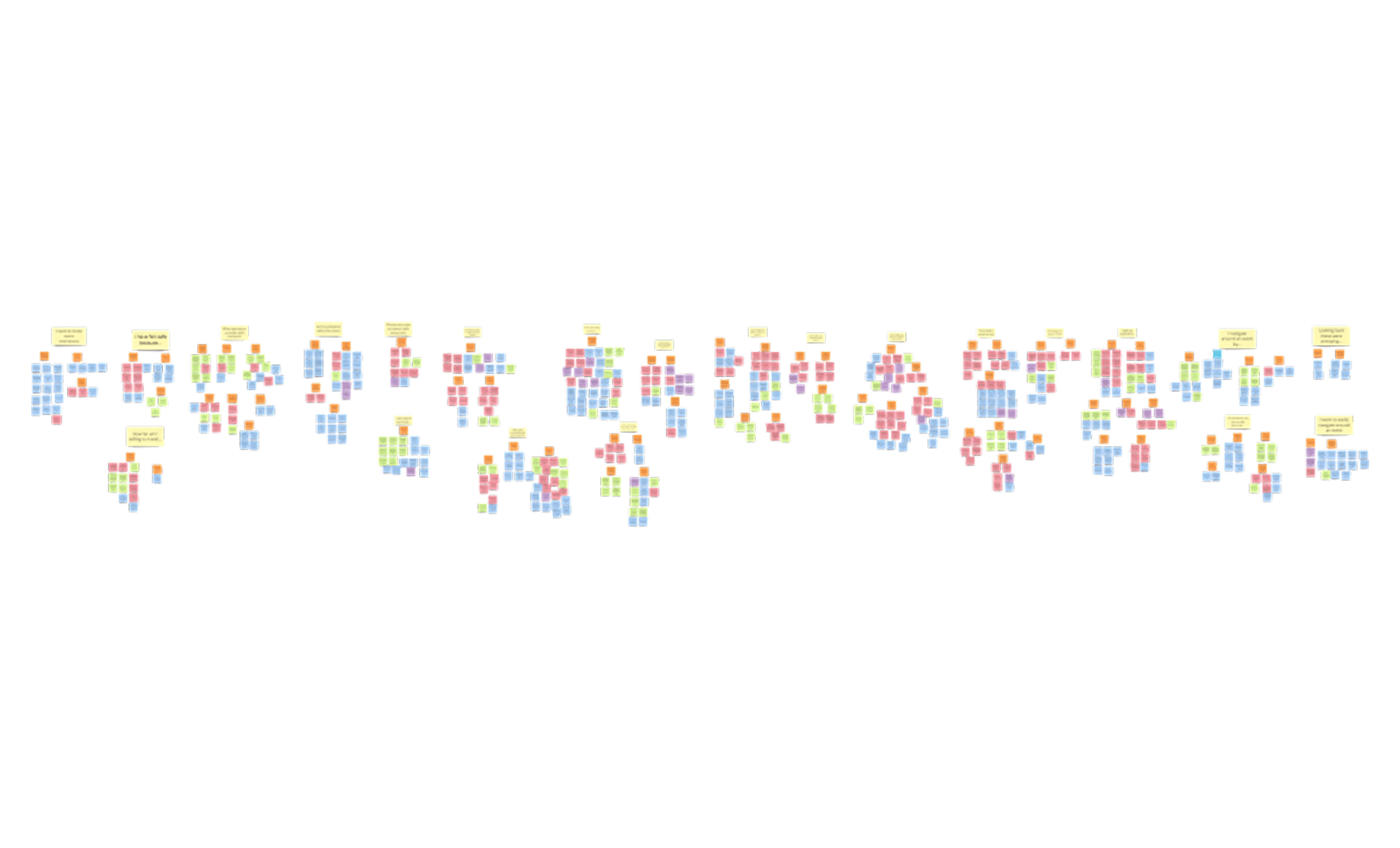
Organising 600+ insights into actionable themes to guide feature prioritisation.

Scalable Design

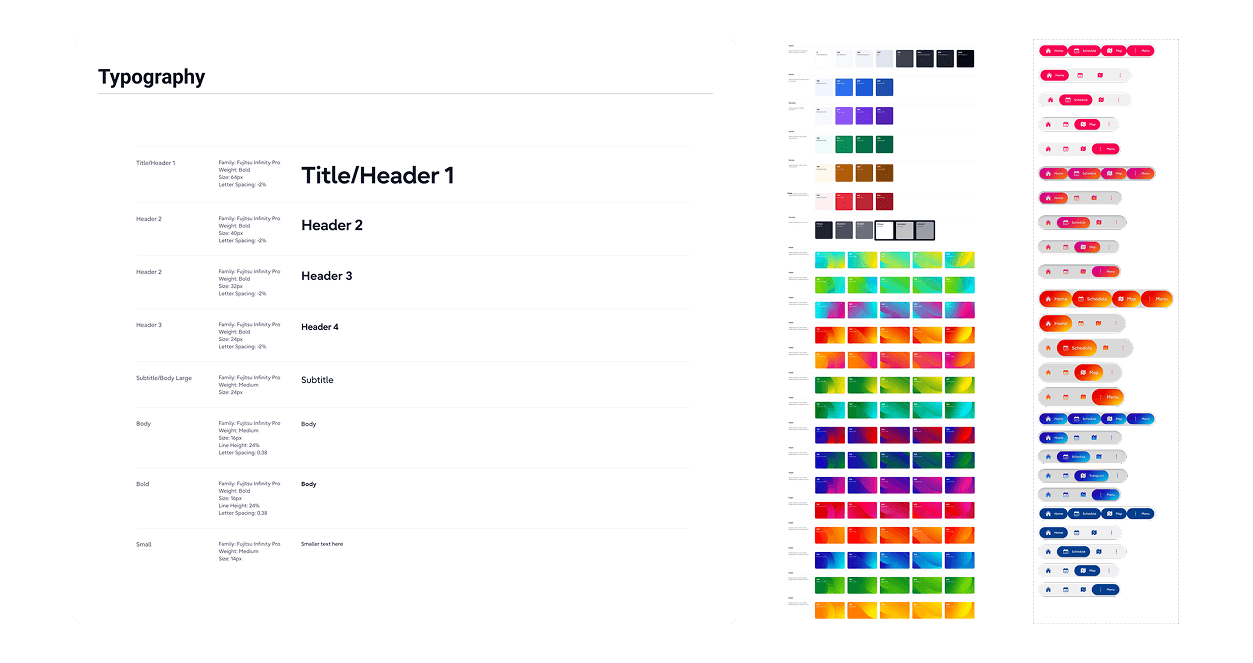
Core components built for consistency, scalability, and rapid event customisation.

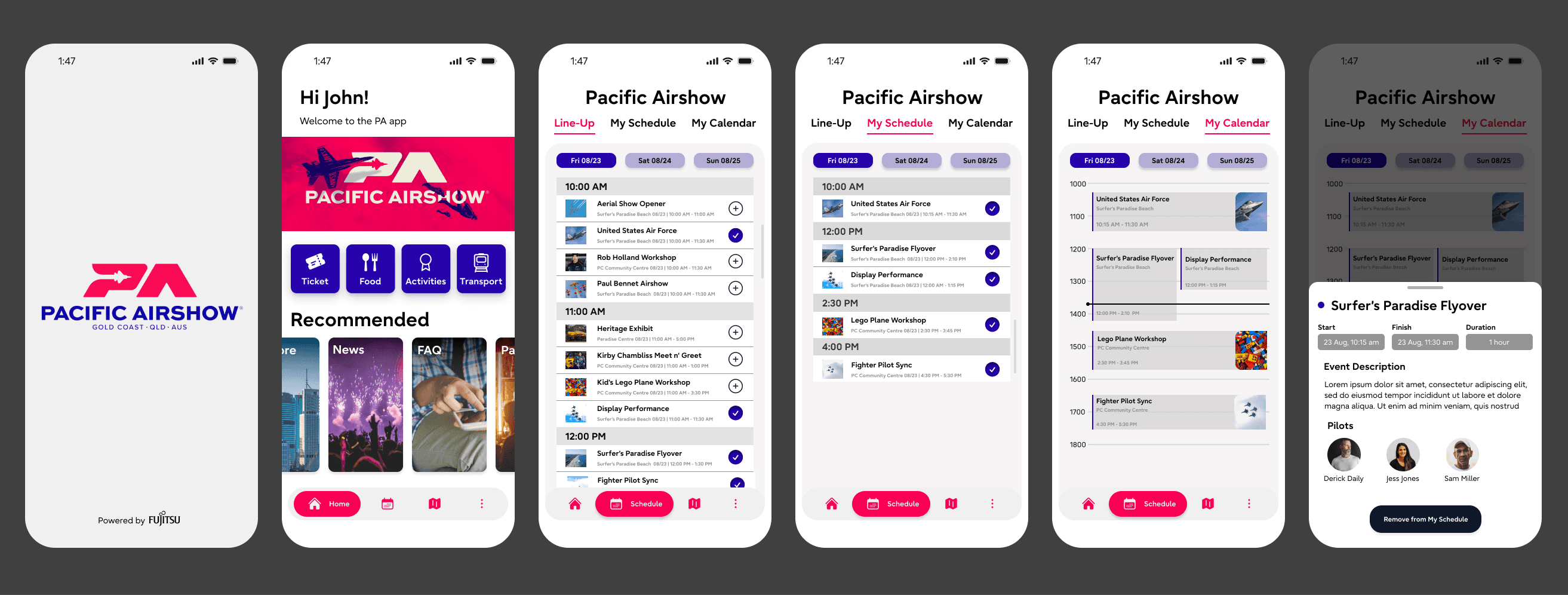
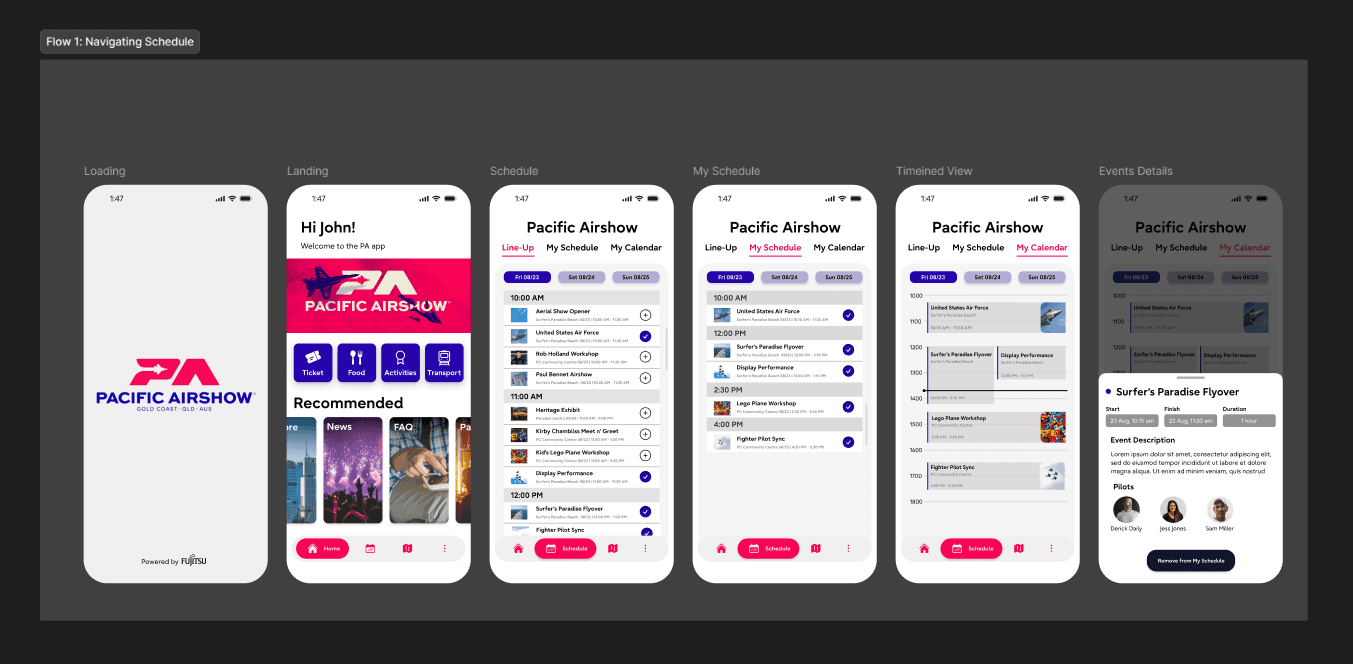
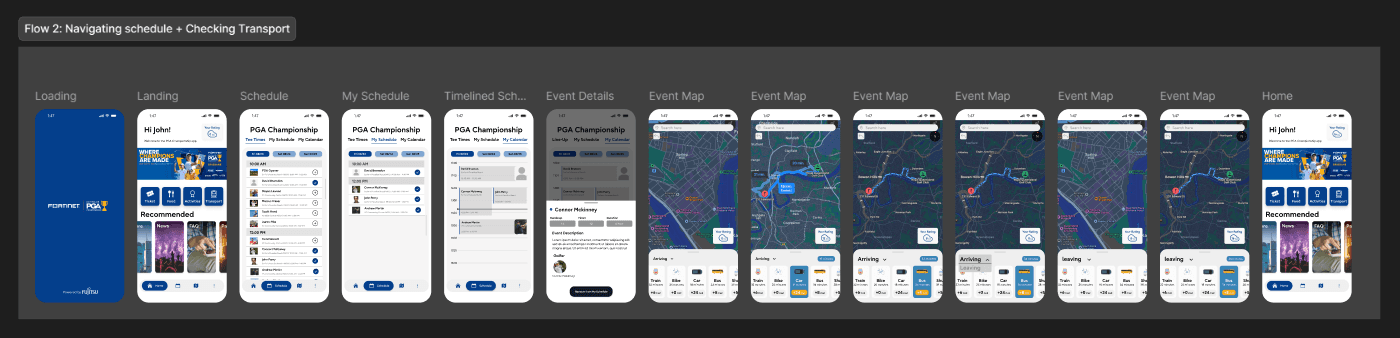
High Fidelity wireframes

High-fidelity screens showcasing the dynamic, touchpoint-driven attendee experience.

Outcomes and impact


In just four weeks, we delivered a validated proof of concept that demonstrated how an attendee-facing application could meaningfully contribute to smarter, safer crowd management at large-scale events.


  • Designed a dynamic, touchpoint-driven user experience that adapted to attendee needs before, during, and after events

  • Mapped clear pathways for ethical, opt-in data collection without compromising user trust

  • Created live prototypes that helped stakeholders visualise how real-time insights could support operational decision-making

  • Influenced stakeholder strategy around crowd flow, partnering with local businesses, and post-event dispersal

  • Proved that user-centred design could directly enhance public safety and event efficiency, even within tight time and research constraints


The success of the POC opened the door for broader conversations about scaling the application, expanding user research to include organisers and public safety officials, and embedding attendee intelligence into end-to-end event management systems.
The Events application was a good test of a time boxed exercise to show the value of our work. Seen as a pre sales activity, this POC started a conversation wit ha customer and ultimately left to them signing on for a full scale development and SaaS implementation.